
Traditional vs. AI Traffic Tracking and Analytics: Cost, ROI, and Pilot Planning (2025)
Compare traditional analytics (GA4, GSC, Adobe) vs AI traffic tracking tools for agencies in 2025. Evaluate costs, ROI, reporting, and plan your pilot project.
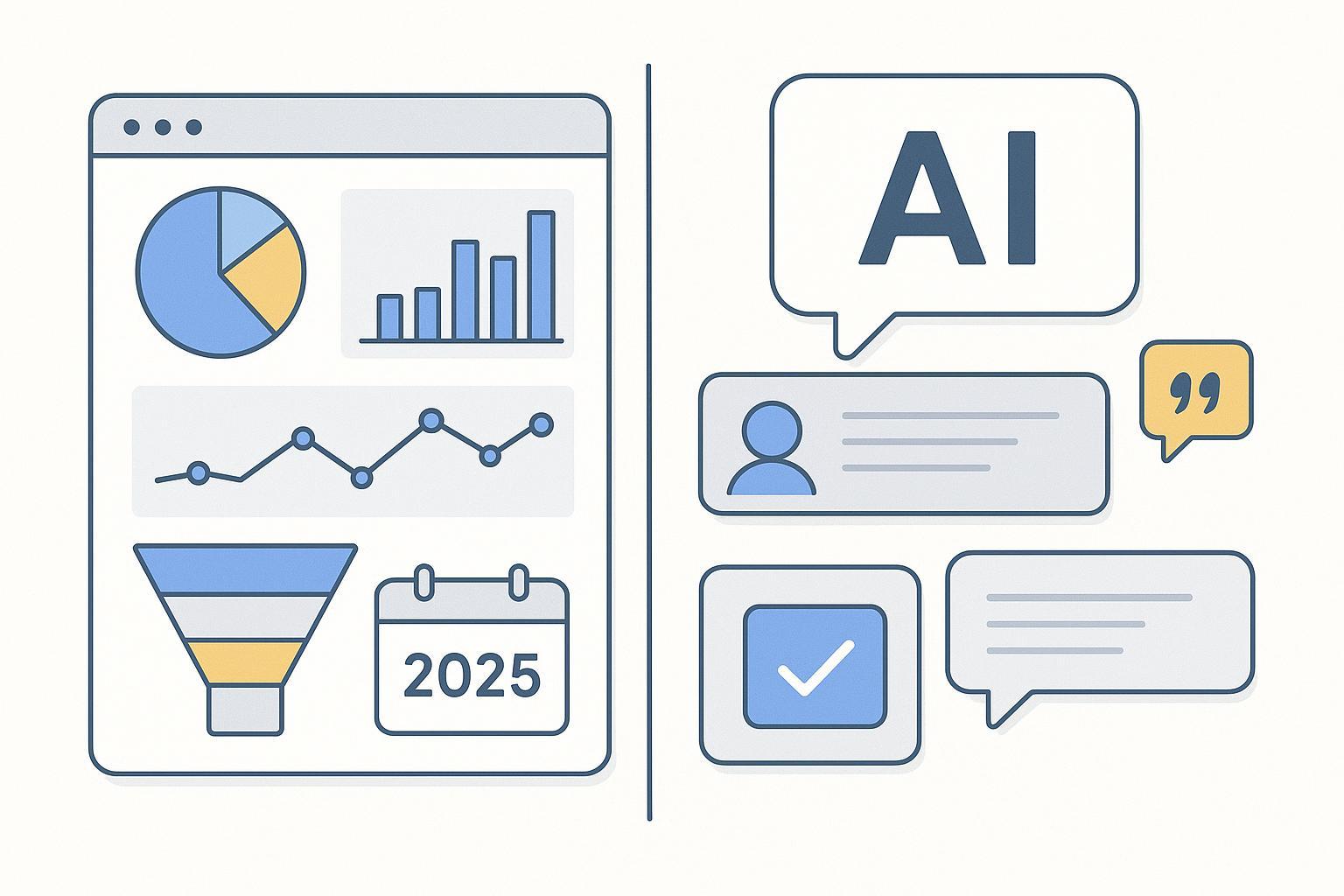
Budgets are tight, clients want proof, and AI answers are increasingly where people get “the answer” before they ever click. If you run an agency, you’re likely asking: How much should we invest in AI visibility monitoring alongside GA4/GSC/Adobe—and how do we show ROI without hand‑waving?
This guide compares traditional web analytics and AI visibility/answer‑engine monitoring through a cost‑and‑ROI lens, then gives you a pragmatic pilot plan you can run with a client in 90 days.
What “traffic” means now: behavior vs. presence
Traditional analytics measure on‑site behavior: sessions, events, conversions, and channels. Tools like Google Analytics 4 (GA4) and Adobe Analytics excel at telling you what users do after they land. Google Search Console (GSC) reports how often your site appears and gets clicked in classic web search.
Answer engines flip the funnel. Large language model (LLM) surfaces—Google AI Overviews/AI Mode, ChatGPT, Perplexity, Gemini, Copilot—return synthesized answers that may cite, paraphrase, or merely mention your brand. You’re competing for presence inside those answers—even when there’s no click. If you need a formal primer on AEO/GEO terms and why visibility in answers matters, the AEO best‑practices guide “executive edition” provides a concise foundation: see the overview in the AEO best practices (2025) executive guide.
In short: traditional analytics = behavior after a click; AI visibility = presence before a click. You likely need both measurements in 2025.
Cost & ROI in practice (2025)
Let’s anchor the essentials with current public guidance:
GA4 is free at the standard tier. User/event‑level data used in certain in‑product analyses can be retained for 2 or 14 months, per Google’s product documentation and support channels, while raw data can be exported to BigQuery for long‑term storage; see Google’s release notes and help materials for current capabilities in 2025 (Google Analytics release notes (2025)). Community discussions continue to point to the in‑product “Data retention” setting. A representative help thread confirms the 2/14‑month options (accessed 2025‑12): Google support thread on GA4 retention.
GSC is free. Community and Product Expert responses consistently describe roughly a 16‑month data window for the Performance report (as observed in 2025): GSC community confirmation on 16‑month retention (2025).
GA4 360 and Adobe Analytics pricing are not publicly listed. Both are enterprise‑oriented with implementation and governance costs that typically exceed mid‑market tools.
For AI visibility, mid‑market tooling with transparent pricing exists. For example, SE Ranking’s AI visibility offerings (SE Visible/AI Search) list plans and credit limits publicly as of late 2025 (e.g., plans in the ~$189–$519/mo range with prompt/credit caps; always verify current tiers): SE Visible pricing reference (2025). Enterprise‑oriented platforms such as Profound typically quote custom pricing; third‑party reviews in 2025 cite starting points around $499/month: Rankability Profound review (2025). Authoritas and BrightEdge position AI visibility within broader enterprise suites; capabilities are public, while pricing remains quote‑based: Authoritas AI Tracker comparison (2025) and BrightEdge industry report (Sep 2025).
Here’s a compact way to weigh costs, time, and evidence.
Dimension | Traditional web analytics (GA4/GSC/Adobe) | AI visibility/answer-engine monitoring |
|---|---|---|
Core value | On‑site behavior, conversion tracking, and channel attribution | Presence in AI answers, citations/mentions, and share of voice across engines |
Cost model | GA4/GSC free; GA4 360 and Adobe by quote; TCO driven by implementation, consent mgmt, and BigQuery | Mid‑market subscriptions with credit limits (e.g., per prompts/keywords); enterprise platforms by quote |
Onboarding time | GA4/GSC: days to weeks; Adobe: weeks to months | Days to weeks; enterprise setups add governance and integrations |
Data scope/limits | GA4 user/event retention 2 or 14 months in‑product; BigQuery export for long‑term raw; GSC ~16 months | Sampling cadence, prompt/credit ceilings, regional/model variance; longitudinal archives recommended |
Reporting fit for agencies | Strong for performance attribution; white‑label requires extra tooling | Increasing focus on screenshots/answer logs, white‑label dashboards; evidence archives critical |
ROI framing differs:
Traditional analytics ROI = improved conversion tracking and media efficiency. You show lift in leads/revenue and better channel allocation.
AI visibility ROI = improved presence in answers that correlates with more brand mentions, citations, and eventually more branded queries, referral links, and assisted conversions. The path is indirect, so your pilot should establish proxies and evidence.
Scenario buckets for pilots (alphabetical within buckets)
This is not a “winner” list. It’s a fit‑by‑situation map agencies can use to scope pilots.
SMB agency pilots (≤$150–$200/month budget)
Scope: Keep GA4/GSC as your behavioral backbone. For AI visibility, start with a constrained keyword set and weekly cadence. Consider mid‑market tools that allow modest prompt/credit volumes and exportable evidence.
Fit notes: SE Ranking’s AI visibility options often present transparent pricing and manageable credit tiers as of late‑2025. Confirm which engines and locales your client needs (e.g., AI Overviews vs. ChatGPT coverage) and backtest volatility before making promises.
Mid‑market pilots (~$119–$499/month)
Scope: Expand engine coverage (Google AI Overviews/AI Mode + at least one LLM interface like ChatGPT or Perplexity). Track 100–300 priority questions across 2–3 locales with daily or near‑daily sampling for the top 50.
Fit notes: Mid‑market subscriptions with robust evidence logging (time‑stamped answers, citation snapshots) are ideal for client reports. Validate model/version tagging and prompt history exports.
Enterprise breadth (custom pricing)
Scope: Multi‑engine, multi‑region monitoring; compliance requirements; executive reporting. Integrate with data warehouses and enterprise BI; align with Adobe/GA4 360 stacks.
Fit notes: Platforms like Authoritas (broad engine coverage and joint AI+SEO reporting), BrightEdge (AI visibility integrated into enterprise SEO), and Profound (multi‑engine monitoring with enterprise integrations and evidence capture) are positioned here. Expect procurement, InfoSec reviews, and longer onboarding.
Mapping metrics: from AI visibility to outcomes
If AI answers reference your brand more often this quarter, how do you show impact? Think of AI visibility metrics as upper‑funnel presence indicators that can precede measurable demand and linking activity.
A practical mapping:
AI presence metrics: Share of voice in AI answers for target queries; number of citations with live links; brand mentions (linked/unlinked); sentiment of AI summaries.
Transitional signals: Growth in branded queries in GSC; increases in referral sessions from domains frequently cited by AI engines; upticks in assisted conversions where “Direct”/“Organic Brand” acts as a later touch.
Outcome metrics: Leads, pipeline, or transactions tied to branded/assisted paths in GA4/CRM.
A simple proxy model for reporting to clients:
Establish a weekly AI share‑of‑voice baseline for 100 queries. 2) Attribute “potential reach” using search volumes and engine appearance rates (e.g., fraction of SERPs showing AI Overviews for those queries). 3) Track changes in branded clicks in GSC and direct/organic conversions in GA4 in parallel. The causal line isn’t perfect, but steady improvement in AI presence accompanied by branded demand and referral growth creates a credible narrative. For a deeper how‑to on baselines and sampling cadence, this step‑by‑step reference is useful: How to perform an AI visibility audit.
A 90‑day pilot plan for agencies
Keep it lean, time‑boxed, and evidence‑rich. Here’s a checklist you can drop into your SOW:
Define scope and questions: 100–300 questions across 2–3 segments, prioritized by revenue themes. Pick 2–3 engines to start (e.g., Google AI Overviews/AI Mode plus one LLM interface).
Baseline and sampling: Record two weeks of baseline with daily sampling for top 50 questions; weekly for the rest. Archive screenshots/JSON where possible.
Instrumentation: Confirm model/version tags, locales, and prompt contexts in the tool. Align UTM strategy and GA4 conversion events.
Content and citation plan: Publish or optimize 6–8 assets designed to earn citations; add schema and source clarity. Track whether those assets appear as cited sources.
Reporting cadence: Weekly summary (top wins/losses), monthly executive roll‑up with evidence snapshots and metric deltas.
Success criteria: Pre‑define numeric targets (e.g., +20% AI share‑of‑voice for top 50 queries; +10 net new live citations; +8% growth in branded clicks in GSC; +5% lift in assisted conversions in GA4 for covered segments).
Risk controls: Document sampling limits, regional variance, and model drift. Maintain an audit log.
Handoff/scale decision: At day 90, decide whether to expand engines/queries, raise cadence, or integrate into enterprise BI.
Risks and how to brief leadership
Sampling and credit limits: AI monitoring often relies on periodic polling and credit caps. Set expectations that week‑to‑week fluctuations are normal; significance comes from trend lines over 8–12 weeks. Independent evaluators in 2025 emphasize longitudinal sampling for reliability.
Model/feature drift: Engines change frequently. Re‑baseline after major updates and tag observations by engine/model/version when available. Industry analyses in 2025 note high volatility across engines; keep your baselines fresh.
Regional and interface variance: Results can differ by country, language, and interface (e.g., Google AI Mode vs. public AI Overviews). Test the locales that matter to your client.
Traditional stack limits: GA4’s in‑product user/event retention windows and GSC’s ~16‑month Performance history mean you should plan BigQuery exports and warehousing for long‑term analysis.
Evidence logging: Screenshots and answer archives are not “nice to have.” They are how you prove presence—and how you defend claims when leadership asks, “Where did you see that?”
Also consider: Geneo (related alternative)
Disclosure: Geneo is our product. As a related option in the AI visibility/AEO category, Geneo focuses on multi‑engine monitoring (e.g., ChatGPT, Perplexity, Google AI Overview), a Brand Visibility Score to track authority in AI answers, and agency‑friendly white‑label reporting. If you’re surveying the market, you can review capabilities at the Geneo homepage.
How to choose (and what to do next)
Pair, don’t replace. Keep GA4/GSC (and Adobe, if you have it) to measure behavior and conversions. Add AI visibility monitoring to measure presence where answers are formed. Start with a 90‑day pilot, modest scope, and clear success criteria. Keep your evidence tight, your sampling steady, and your client reports grounded in both presence and performance.