
Best Practices for Tracking and Analyzing AI Traffic (2025)
Discover bias-controlled best practices for tracking AI traffic in 2025, including actionable checklists, Brand Visibility Score metrics, and white-label agency reporting.
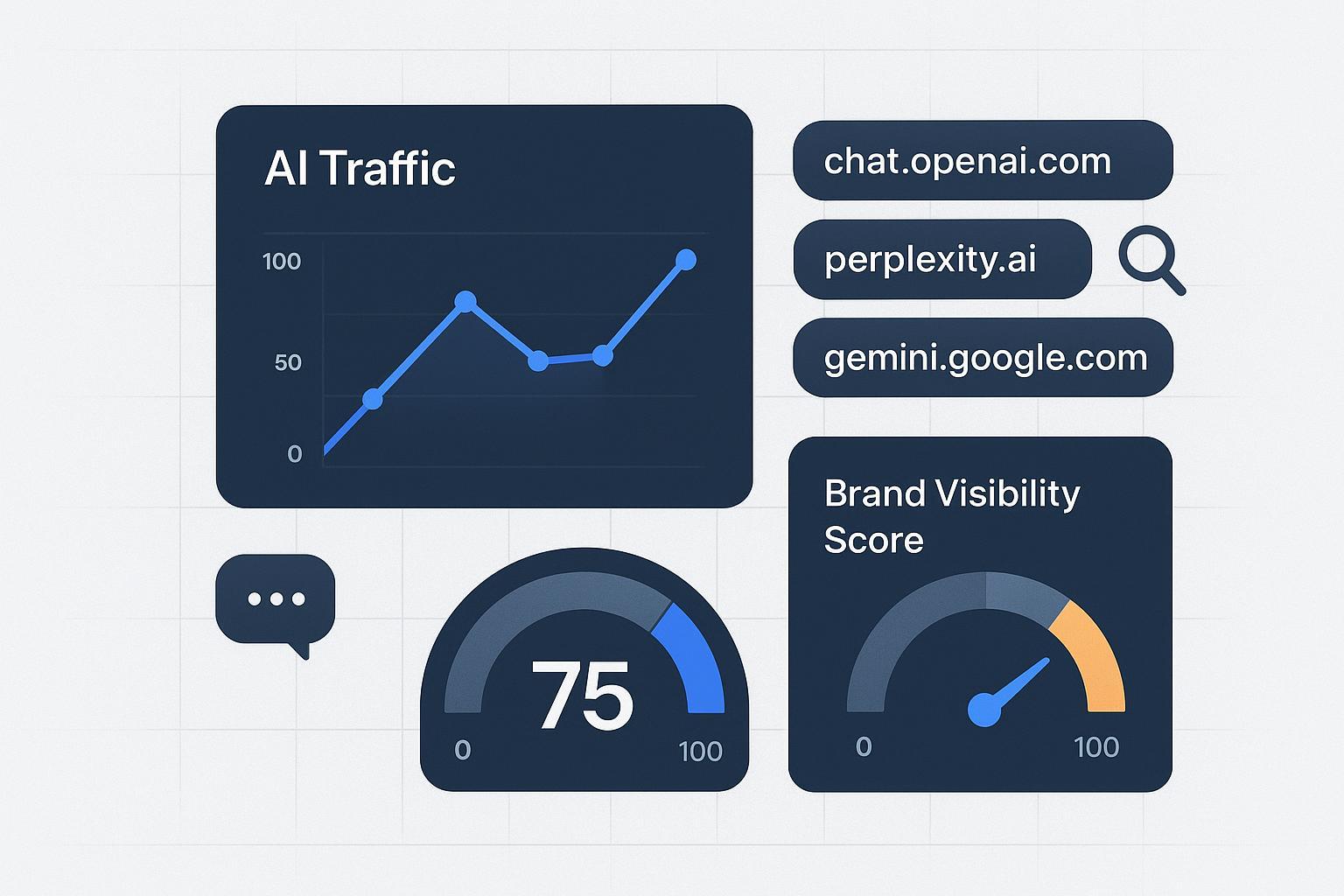
AI answers now sit between search intent and your website. They recommend, cite, and sometimes link—but a meaningful share of those visits arrive without clean referrers. If you lead an SEO/GEO agency, you can’t wait for native analytics to catch up. You need a defensible, bias‑controlled way to measure AI exposure and the traffic it drives across ChatGPT, Perplexity, and Google’s AI experiences.
This playbook packages the scientific pieces you need: a GA4 channel setup that survives changing referrers, a bias audit that quantifies uncertainty, and a competitive benchmarking system using a transparent Brand Visibility Score. Use it to ship client‑ready, white‑label reports you can stand behind.
Define “AI traffic” and why it needs its own channel
“AI traffic” refers to sessions that occur after a user sees your brand in an AI answer or assistant and clicks a link (or copies it into a browser). Because GA4 doesn’t classify this cohort out of the box, you’ll create a dedicated channel with ordered rules and maintain it as platforms evolve. Google explains that custom channel groups resolve to the first matching rule in your order, so placement matters—put AI above generic Referral to prevent mis‑bucketing, per the official GA4 channel groups help.
Some AI clicks lack referrers due to browser and app policies that truncate or omit headers. The W3C’s Referrer‑Policy standard allows this behavior; see MDN’s Referrer‑Policy reference. That’s why your approach must combine deterministic rules (known domains) with validation and modeling.
Checklist 1 — GA4 “AI Traffic” channel setup and validation
Use this sequence to create a reproducible, agency‑friendly implementation.
Establish a baseline
Explore Traffic acquisition to identify known AI domains: perplexity.ai, chat.openai.com, chatgpt.com, gemini.google.com, copilot.microsoft.com. Record volumes and landing pages as your pre‑change benchmark.
Create a custom channel group
Admin → Data display → Channel groups → New. Name it “AI Traffic.” Add ordered rules that match known AI referrers with regex (e.g.,
perplexity\.ai|chat\.openai\.com|chatgpt\.com|gemini\.google\.com|copilot\.microsoft\.com). Place this channel above “Referral” so these sessions are captured first, consistent with GA4’s rule precedence.
Build a validation loop
In Explorations, create a free‑form report filtered by Session source and Page referrer; add a regex filter for partial domains and app/webview signatures. Review weekly for drift and append new AI sources as they emerge.
Instrument control links where you can
For campaigns or placements you control (partner lists, community posts), add UTMs or first‑party click IDs to guarantee attribution when referrers are suppressed. Keep a simple registry so teams reuse consistent parameters.
Visualize and annotate
Publish Looker Studio tiles for AI Traffic: sessions, engagement rate, conversions, and assisted conversions. Annotate any rule change or platform update with date/time and a brief note. This becomes your change log for client transparency.
Why this works: you’re creating a deterministic capture for known referrers, with an explicit monitoring mechanism to catch change. It’s the same pattern recommended by practitioner guides such as Timmermann Group’s AI traffic tracking walkthrough (2025).
Why “dark” attribution happens (and how to mitigate it)
Even with clean regex rules, some AI‑influenced sessions will appear as Direct/Unassigned. App/webview behaviors and stricter privacy defaults often strip or minimize referral data. The standard itself permits origin‑only or no referrer, as documented in MDN’s Referrer‑Policy. You can’t fix every case, but you can reduce uncertainty:
Use controlled UTMs where you own the link placement.
Triangulate GA4 with server logs (look for sudden landing‑page spikes aligned with AI visibility changes).
Monitor Direct spikes after visibility gains; investigate for AI patterns.
Report ranges, not single points, when attribution is modeled.
Checklist 2 — Bias audit and control for AI traffic measurement
Measurement is only as credible as your bias controls. Treat this like an ongoing QA program.
Estimate referrer loss
Compare GA4 sessions attributed to AI with server‑log hits for the same landing pages and time windows. Where available, compare to platform‑reported click counts. Publish an uplift factor as a range (e.g., +8–15%) to account for missed referrals. Re‑estimate monthly.
Govern your prompt set and sampling
Lock a versioned prompt bank that represents your category’s high‑intent questions. Sample across regions and query phrasing; record engine, model/version, and time. Rotate sampling windows to dampen personalization and recency effects. For a structured audit process, adapt the steps in the AI Visibility Audit guide.
Watch for channel collisions
When AI visibility jumps, Direct/Unassigned often rises too. Correlate with your change log and AI events. If patterns repeat, update regex to include new AI domains or app variants.
Apply IVT hygiene
Filter obvious GIVT (data‑center IPs, spiders/robots) and quarantine anomalies for SIVT review. The MRC’s Invalid Traffic Addendum (2020) remains the baseline for these controls.
Maintain an evidence log
Keep a single document that tracks prompt versions, sampling cadences, rule changes, and IVT filters. Auditable measurement earns trust in client reviews.
Competitive benchmarking across engines: use a Brand Visibility Score
To move beyond raw clicks, agencies need a comparable visibility metric across ChatGPT, Perplexity, and Google’s AI experiences. A simple, transparent definition works best. Search Engine Land describes a Brand Visibility Score (BVS) as:
BVS = (answers that mention your brand ÷ total answers for your space) × 100.
That definition appears in Search Engine Land’s 2025 explainer on measuring brand visibility in AI search. Pair it with complementary metrics—citation rate, share of voice, and sentiment—to understand both presence and quality.
Two quick notes for scientific consistency:
Normalize across engines. Compute scores per engine, then normalize (e.g., z‑scores or min‑max to 0–100) before averaging, so one verbose engine doesn’t dominate.
Track uncertainty. Publish error bands based on sample size and observed variability. It’s better to say “BVS 42 ± 3” than to imply false precision.
Checklist 3 — A practical BVS worksheet and workflow
Use this workflow to make competitive benchmarking repeatable and client‑ready.
Define the space
Select 50–100 high‑intent prompts that represent how buyers seek your category. Document inclusion/exclusion rules and segment by subtopic if needed.
Capture across engines
For each prompt, record whether each engine (ChatGPT, Perplexity, Google AI Overviews/AI Mode) mentions your brand, cites it with a link, and the general sentiment of the mention. Store the model/version and timestamp.
Compute the core metrics
BVS per engine = (brand‑mentioned answers ÷ total answers for that engine) × 100.
Citation rate = % of answers that include a link to your content.
Share of voice = your mentions ÷ (your mentions + competitor mentions) × 100.
Add a light sentiment score if relevant; see the agency guide to measuring sentiment in AI answers for coding suggestions.
Normalize and average
Normalize each metric by engine, then roll up to a blended view. Track deltas weekly or monthly and annotate model updates (e.g., engine version changes).
Connect to outcomes
Correlate visibility changes with AI Traffic sessions and assisted conversions. Report findings with ranges when attribution uses uplift factors.
Reporting and governance: how agencies make this stick
Packaging matters. Clients need clarity, comparability, and a clear path from visibility to revenue.
White‑label dashboarding: Present “AI Traffic” as a first‑class channel with trendlines and a KPI ladder: Visibility → Engagement → Conversions → Revenue contribution. Include a competitive panel that displays BVS, citation rate, and share of voice by engine. For a ready‑to‑brand approach, see the agency module overview in white‑label AI visibility reporting.
Uncertainty and notes: Put model versions, prompt set IDs, rule changes, and uplift factors in a visible methods card. Add brief confidence intervals where you’re modeling.
Governance: Keep a shared change log with timestamps for channel rules, prompt updates, and IVT filters. During QBRs, review what changed, why it changed, and how it affects comparability over time.
Operations cadence: Weekly for monitoring (alerts and drift), monthly for reporting, quarterly for strategy and prompt‑set revisions.
Example: Auditing AI channels and computing BVS in an agency workflow
Disclosure: Geneo is our product.
A mid‑market SaaS client saw a spike in category questions on ChatGPT and Perplexity. The agency implemented the GA4 “AI Traffic” channel using ordered regex for known AI domains, then stood up a weekly Exploration to spot new referrers. In parallel, the team ran an AI visibility audit using a fixed prompt bank and captured answers across engines, recording mentions, citations, and model versions.
Using Geneo, the team consolidated cross‑engine observations into a 0–100 visibility view, aligning closely with the BVS framework (brand mentions, link visibility percentage, and reference counts by engine). The dashboard highlighted that Perplexity delivered a higher citation rate despite similar mention share; content updates prioritized sources and formats most frequently cited there. In GA4, the AI Traffic cohort was monitored alongside assisted conversions, with an uplift range to account for referrer loss. Within two cycles, the client had a stable, white‑label report tying visibility shifts to engagement and pipeline metrics—without over‑claiming precision.
What’s trackable in Google’s AI experiences right now
Publishers rarely see distinct referrers for AI Overviews/AI Mode in GA4; most clicks blend into traditional Google Search. Google’s documentation explains that AI experiences roll up within Web performance totals in Search Console and describes how these AI features appear on the SERP; see Google’s AI features documentation. Practically, that means you should treat Google’s AI experiences as part of your search cohort while watching for pattern changes in landing‑page traffic and direct spikes.
Action plan you can start this week
Create the “AI Traffic” custom channel group and order it above Referral; publish a simple Looker tile with sessions, engagement, and conversions.
Lock a versioned prompt set (50–100 queries), sample across ChatGPT, Perplexity, and Google AI experiences, and compute per‑engine BVS.
Stand up a white‑label dashboard that reports AI Traffic and competitive BVS together, with a visible methods card and uncertainty ranges. For audit steps you can adapt, review the AI Visibility Audit guide.
If you do nothing else, get the channel group live and start logging changes. The earlier you establish baselines, the easier it is to separate real gains from measurement noise.