
How to Track and Analyze AI Traffic: The Complete Guide for Brands
Master AI traffic attribution in GA4. Learn how to track ChatGPT, Perplexity, Copilot, and Google Overviews with step-by-step, actionable methods. Start your free AI visibility scan.
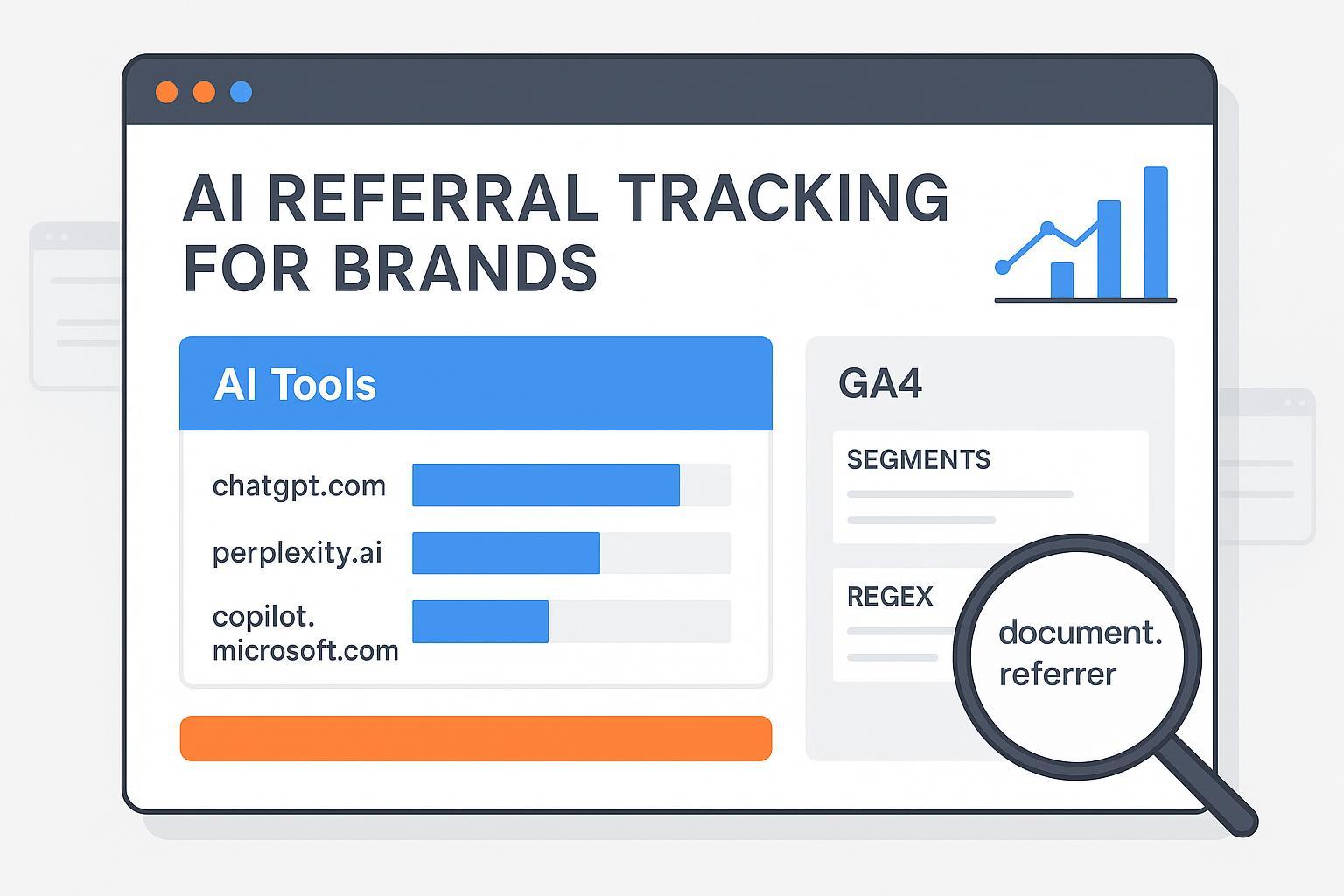
If you’re brand-side and responsible for reporting growth, you’re likely asking a simple question with a complicated answer: can we prove which visits came from ChatGPT, Perplexity, or other AI engines—and what should we show leadership today? Here’s the short version: you can reliably segment a portion of AI-origin clicks in GA4, especially from referrer-passing engines like Perplexity and some ChatGPT contexts, but you cannot natively isolate Google AI Overviews/AI Mode (AIO) yet. This guide gives you a reproducible setup, credible limits, and executive-ready reporting.
How AI engines actually send traffic (and why it matters)
The core of attribution is whether a click arrives with a referrer header or UTMs. Desktop browser clicks often preserve referrers; mobile apps and in-app webviews drop them, which looks like Direct. UTMs, when present, override referrer-based attribution.
Engine | Typical referrer behavior (2024–2025) | Notes |
|---|---|---|
ChatGPT (chatgpt.com, chat.openai.com) | Inconsistent; sometimes passes referrer, often appears as Direct from mobile/app contexts | UTMs may be added occasionally; treat with conservative expectations. |
Perplexity (perplexity.ai) | Frequently passes referrer on desktop/web; some Direct undercount remains | Good candidate for regex-based grouping and QA checks. |
Copilot/Bing Chat (copilot.microsoft.com, edgeservices.bing.com, bing.com) | Referrers observed; endpoint mix varies | Include all observed hostnames; audit periodically. |
Google AI Overviews/AI Mode | No distinct referrer; flows under organic/direct today | Industry consensus: not natively isolatable in GA4/GSC yet; reporting for AI Mode is planned, not live. |
Publishers and practitioner studies have shown these limits consistently. Digiday documents publisher challenges in measuring AIO, while Search Engine Roundtable confirms Google plans to add AI Mode reporting to Search Console—neither option is live for segmentation today.
GA4, step by step: build an “AI Tools” channel and verify
Custom channel groups in GA4 are retroactive and evaluate rules top to bottom. Place “AI Tools” above Referral so qualifying sessions don’t land in the default bucket.
Admin > Data display > Channel groups > Create new channel group.
Add channel: name it “AI Tools” (or “Gen AI”).
Condition: Session source (or Source) “matches regex”. Use a conservative hostname-focused pattern:
(chatgpt|openai|chat\.openai)\.com|perplexity\.ai|(gemini|bard)\.google\.com|(copilot\.microsoft|edgeservices\.bing)\.com|(claude|anthropic)\.ai
Move this rule above “Referral” and publish.
Verify retroactively in Reports > Traffic acquisition by adding “Session source/medium” and confirming reclassification.
For background on GA4 regex behavior and channel grouping principles, Analytics Mania’s regex primer and OptimizeSmart’s explanation of rule order and retroactivity are helpful.
Segments and workflow: reusable Explorations and landing-page analysis
You’ll get most insight from two segments and a simple landing-page drill-down. Think of it this way: segments help you analyze; channel groups help you report. Build the two segments, then run the workflow as prose rather than a checklist to keep your reporting concise.
First, create a session segment where Page referrer matches AI hostnames. Use a regex like:
(chatgpt|openai|perplexity|copilot|gemini|claude)\.(com|ai|google\.com)
Second, create a session segment where Source/medium indicates AI referral. A practical pattern is:
(chatgpt|perplexity|copilot)/referral|(openai|gemini|claude)/referral
With both segments in place, open an Exploration with Landing page, Session source, and Engaged sessions. Scan for pages that consistently attract AI referrals—documentation, how‑tos, and research tend to pop. Layer in conversions or assisted conversions to understand commercial impact. Expect some drift between Direct and Referral because mobile and in‑app webviews often drop referrers; that’s normal. Validate spikes by sampling device splits (desktop versus mobile) and spot‑checking Page referrer against Session source. A quick regex test on actual values will confirm your expressions are matching as intended. Practitioner walkthroughs like LovesData and KP Playbook illustrate similar segments and validation methods.
GTM helpers and UTMs, without overcomplicating attribution
If you want more fidelity, add a light GTM and UTM layer that supports analysis without breaking core attribution. In GTM, create a trigger that fires when document.referrer contains target hostnames such as perplexity.ai, chatgpt.com, or copilot.microsoft.com. Dispatch a custom event (for example, ai_referral) and store a session‑scoped custom dimension like session_ai_referrer. This gives you a reliable flag in Explorations even when channel grouping misses edge cases.
For pages frequently cited by AI engines, such as technical docs or research hubs, consider adding stable UTMs (for instance, utm_source=ai_engines&utm_medium=citation). When models copy links, UTMs can lift attribution fidelity without harming organic rankings. Keep UTMs consistent and document your scheme so teams don’t accidentally fragment reporting.
What you can’t isolate today: Google AI Overviews/AIMode
Here’s the deal: Google’s AI Overviews/AI Mode doesn’t pass a distinct referrer, so GA4 and Search Console don’t let you segment AIO-origin clicks natively. Credible workarounds focus on visibility and correlation, not exact click counts. Use SERP/AIO panels to see which queries trigger Overviews and which pages are cited. Then compare time‑series of those query sets with sessions on the cited pages, noting spikes in Direct and organic around the same windows. Industry tests suggest AIO‑sourced clicks behave differently—shorter sessions and fewer pages—even though they’re bucketed under generic Google traffic; treat that as helpful context rather than precision. Be transparent with leadership: some AI referrals can be measured directly (Perplexity and many desktop ChatGPT/Copilot cases); AIO cannot today. Visibility share and citation quality should sit alongside traffic and conversions in your narrative.
Publishers and analysts have documented these limits and patterns—see Digiday on measurement challenges and Search Engine Roundtable on Google’s plan to add AI Mode reporting to Search Console—as confirmation that native segmentation isn’t available yet.
Market context: set expectations with real‑world signals
AI referrals are growing quickly but still form a small slice of overall traffic for most brands. Adobe Digital Insights reported triple‑digit growth across U.S. retail and travel panels from mid‑2024 into early 2025, with engagement improvements; these are indexed growth figures, not raw counts. Search Engine Land’s SMB cohort observed ChatGPT referrals up roughly 123% between September 2024 and February 2025—still tiny compared to Google organic. Broader coverage by mid‑2025 shows sharp year‑over‑year increases in AI referrals to top sites, reinforcing the trend line even if the current share is modest.
Use these signals to frame goals: baseline your AI channel, grow visibility and high‑quality citations, and monitor assisted conversions and content impact.
Practical example: auditing citations alongside GA4 (Disclosure included)
Disclosure: Geneo is our product.
Here’s a neutral workflow that many teams use to complement GA4. Run an AI visibility audit to list citations across ChatGPT, Perplexity, and Copilot for your brand and competitors. Map those cited URLs to your GA4 landing‑page report filtered by the segments above. Identify pages with strong citation frequency but weak sessions or conversions—prime candidates for content refreshes or UX updates. Repeat monthly and track citation share versus engaged sessions. Tools like Geneo help centralize citations and competitive benchmarks while GA4 measures on‑site behavior. Teams without a platform can log citations manually or use alternative AI visibility trackers; prioritize coverage across engines, reliable citation detection, and exportable reporting.
For foundational concepts and extensions, see Geneo’s guide to AI visibility for brands, the explainer on why ChatGPT mentions certain brands, and a prompt‑level benchmarking overview in the Peec AI review.
QA, governance, and executive metrics
Make your setup durable. Watch for sudden jumps in Direct plus New users on pages known to be cited in AI engines, and inspect device/browser splits to validate behavior. Standardize segment names (for example, “Seg – AI Page Referrer” and “Seg – AI Source/Medium”) and channel‑group labels (“AI Tools”) to avoid confusion across teams. Version‑stamp your regex patterns (e.g., v2025‑12) and document endpoint additions—Copilot domains evolve—keeping the rule above Referral. For leadership reporting, pair engaged sessions and assisted conversions with citation share, landing‑page quality signals (bounce, time, conversion rate), and a shortlist of priority pages. If you need a consolidated executive lens on visibility, see the Agency overview, and for user behavior context in AI search, see AI Search User Behavior 2025.
Next steps
Ready to baseline your brand’s citations and referrer‑passing AI traffic? Configure the GA4 channel group and segments above, then audit your most‑cited pages. Soft CTA: Run a free AI visibility scan—click “Start Free Analysis” on the Geneo homepage—to benchmark your citations across ChatGPT and Perplexity and identify priority pages. If you’re exploring AIO constraints and tools, see our regional overview of Google AI Overview tracking tools and best‑practice guidance for influencing citations via LinkedIn team branding.
Selected references
Digiday’s publisher measurement challenges; Search Engine Roundtable’s AI Mode reporting coming to Search Console.
Analytics Mania on regex in GA4; OptimizeSmart on channel groups.
Search Engine Land’s SMB cohort on ChatGPT referrals.