
How to Use AI Query Patterns for Better GEO Targeting
Master precise location targeting in AI tools with step-by-step GEO query patterns and validation workflows. Achieve accurate local results every time.
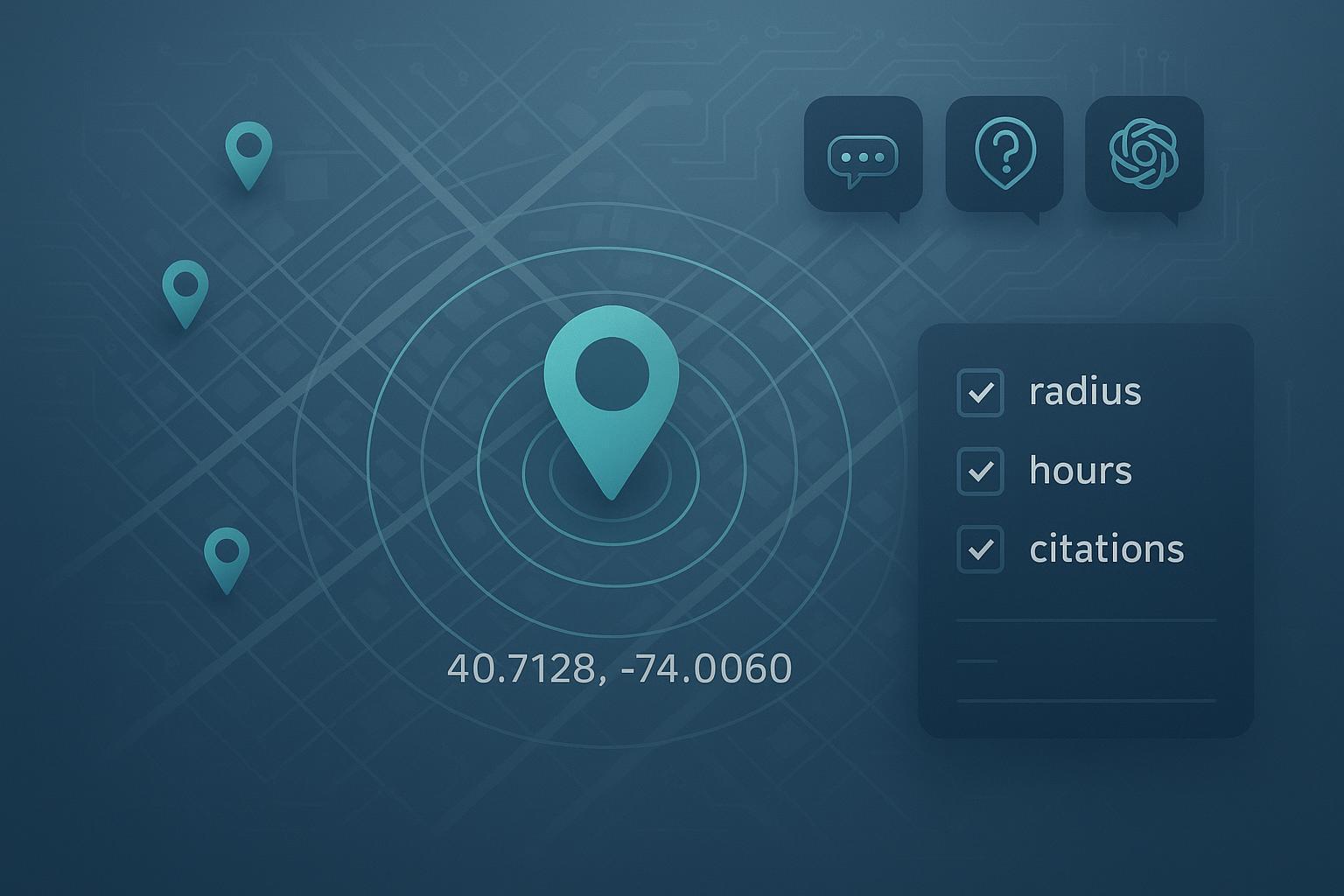
When AI assistants miss your intended city or mix suburbs into a single answer, local decisions get messy. This guide gives you copy-ready query patterns and a simple validation workflow so your results stay pinned to the exact place and time you care about.
1) Core concepts before you prompt
AI systems juggle two kinds of location signals. Geo-intent is what you explicitly state in the query (city, ZIP, coordinates). Geo-bias is what the system infers (IP, past chat, account context). If you don’t anchor intent, bias often wins. Google notes its AI features surface “when additive to classic Search” and use a wider “query fan‑out” to gather links, which explains why you’ll see diverse citations even on local questions; see Google’s guidance in AI features and your website for how these surfaces behave and show links: Google Search Central: AI features and your website. For broader context on AI Mode/Overviews, Google outlines the direction in AI in Search: Going beyond information to intelligence.
Granularity matters. Think of a location hierarchy: country > state > metro > city > neighborhood > ZIP/postcode > lat/long. Use city or ZIP for most tasks; switch to coordinates plus a radius for boundary cases (edge suburbs, overlapping municipalities) or when names are ambiguous. Freshness matters too: specify a time window (e.g., updated since 03/2025) and ask for visible last‑updated dates. Finally, disambiguate: write the state and ZIP with repeated place names (Springfield, Newport) and state what to exclude (neighboring city, outer burbs) to stop bleed.
2) Copy‑ready GEO prompt patterns (with a master skeleton)
Below is a single “master” prompt you can paste into Perplexity or ChatGPT with browsing/Search and then tweak. It locks location, time, jurisdiction, and verification in one place. Replace the bracketed fields.
System: You are a local research assistant. If anything is ambiguous, ask one clarifying question first.

  User: Assume the user is located at [LAT,LONG] (WGS84) near [LANDMARK]. Answer only for a [RADIUS]-mile radius unless stated otherwise. If a source falls outside this radius or outside [CITY, STATE ZIP], flag it as out‑of‑scope.

  Task: Find [BUSINESS TYPE OR NAICS CODE + CATEGORY] that meet these constraints:
  - Jurisdiction: Registered address in [CITY, STATE ZIP]; exclude [NEIGHBORING CITY/SUBURB].
  - Time window: Only include sources updated since [MM/YYYY]. Show each source’s visible last‑updated or publish date.
  - Hours: Open after [TIME] on [WEEKDAY] this week. If hours are uncertain, mark “verify hours” and cite the official site.
  - Negative constraints: Exclude sponsored placements, listicles, and closed/temporarily closed listings.
  - Locale & units: Use miles, 12‑hour time, and US phone formats.

  Output format:
  - 3–5 citations with name, street address, phone, hours, and direct URL. Prefer official sites, Google Business Profiles, and recognized directories.
  - Brief note if any disambiguation was required.
Want to compare markets side by side with the same rules? Add this to the end of the prompt:
Multi‑market comparison: Apply the same criteria to [CITY A, STATE], [CITY B, STATE], and [CITY C, STATE]. Present results side by side and call out differences in availability, pricing (if visible), and hours.
Why this works: You’re overriding geo-bias with explicit coordinates and radius, constraining jurisdiction, setting freshness, and demanding verifiable citations. For local listing dynamics, industry analyses observe that AI answers often lean on authoritative directories and well‑structured local pages; see BrightLocal’s discussion in AI Search Makes Local Listings More Important Than Ever.
3) Platform notes that affect GEO
- Google AI Overviews/AI Mode
- When shown, the experience summarizes and links out. Google explains that AI features appear when they add value and may use broader link fan‑out, which you’ll notice in the citation mix. See Google Search Central: AI features and your website. Treat Overviews as a jumping‑off point; click through to verify hours on primary sources.
- Perplexity
- Live retrieval with citations by default. You can bias locale by including city/ZIP/coordinates in your text and, if using the API, by applying region/domain hints (not a strict geo filter). See Perplexity Search Quickstart.
- ChatGPT with browsing/Search
- OpenAI notes Search uses third‑party engines and can use a general IP‑based location to improve relevance; precision increases when you state the city/ZIP/coordinates and ask for links. See ChatGPT Search Help.
4) A lightweight rubric and test harness
Use this 5‑factor rubric to score outputs quickly before acting. It keeps teams aligned across markets.
| Factor | 0–5 scoring guidance |
|---|---|
| Coverage | Meets requested category, constraints, and output format. |
| Freshness | Sources within your stated window; visible last‑updated dates shown. |
| Citation quality | Primary when possible (official site/GBP), authoritative directories otherwise; addresses/phones match. |
| Proximity | All listings inside the specified city/radius; out‑of‑scope entries flagged. |
| Duplication | Unique entities; no unnecessary repeats. |
Workflow tips (log once, reuse weekly):
- Fields to log: date/time, platform, prompt version, geo anchor (city + ZIP + coordinates), radius, time window, constraints, 3–5 citations (URL, last updated, address, phone, hours), scores, notes, screenshot link.
- Cadence: 3–5 cities x 1–2 core queries ≈ 45–90 minutes weekly including QA.
- Parity checks: reuse the same prompt text across cities; compare source overlap and freshness drift.
Practical example (neutral, optional): You can use Geneo to record per‑city outputs from Perplexity/ChatGPT/Google AI answers and track which citations recur or drop over time—helpful for weekly parity checks. Disclosure: Geneo is our product.
5) Troubleshooting: quick fixes for common GEO failure modes
- Mixed‑market answers (implicit location bleed)
- Symptom: Results include entities from neighboring cities. Fix: Switch to coordinates + radius and add “flag out‑of‑scope.” Re‑run with the same criteria.
- Ambiguous names (Springfield, Newport) and neighborhood vs. municipality
- Symptom: The model assumes the wrong state or treats a neighborhood as a city. Fix: Add state + ZIP or coordinates and require a clarifying question first.
- Suburb boundary issues (edge cases)
- Symptom: Metro‑wide answers spill over boundaries. Fix: Add “registered address in [CITY, ZIP]; exclude [SUBURB]” and keep the radius tight (e.g., 5–8 miles).
- Stale hours or closed listings
- Symptom: Outdated citations and mismatched hours. Fix: Require last‑updated since [MM/YYYY]; demand official site/GBP links for hours; mark “verify hours” when uncertain.
- Over‑reliance on aggregators
- Symptom: Listicles and thin directories dominate. Fix: Prefer official sites, GBP, and recognized directories; reject sources without street addresses.
- Unit/format drift
- Symptom: Kilometers, 24‑hour time, or international phone formats. Fix: State “miles, 12‑hour time, US phone.”
Ready to put this into play? Start with two cities and one category. Run the master prompt for each platform you use, score the outputs, and log them. Then expand to a three‑city comparison and iterate weekly. Here’s the deal: if someone landed in that neighborhood right now, could they confidently act on the answer? If not, tighten the anchor, narrow the radius, and demand fresher citations.