
How to Track Brand Mentions Across AI Search Engines: Step-by-Step Guide
Learn how to track brand mentions across ChatGPT, Perplexity, and Google AI Overview with actionable steps for reliable visibility and sentiment analysis.
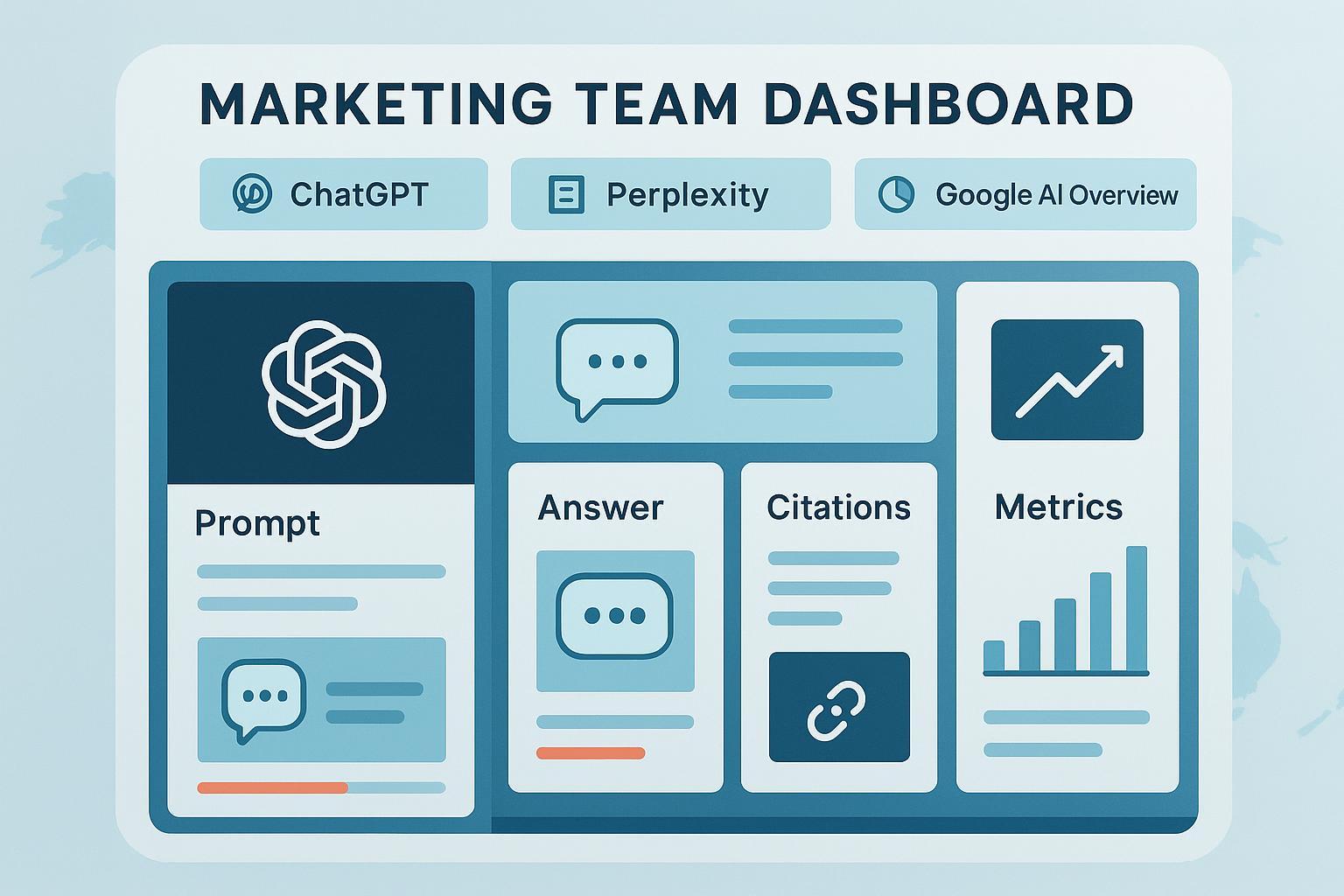
AI answers shape how customers perceive your brand—whether they find you through a Perplexity summary, a ChatGPT Search result, or a Google AI Overview. The catch: outputs change, sources aren’t always obvious, and there’s no universal API to pull it all into a neat dashboard. Here’s a reproducible workflow you can implement this week to track brand mentions and citations across the major AI engines, build a baseline, and monitor trends without guesswork.
Definitions and scope
Before we start logging, get precise about what you’re tracking. A “mention” is when your brand name appears in the AI answer text (even without a link). A “citation” is when your domain is linked as a source or included in a source block/carousel. We’ll focus on ChatGPT with Search enabled, Perplexity, and Google AI Overview/AI Mode—the three surfaces where marketers most often see real customer impact. If you run into unfamiliar acronyms like GEO, GSO, or LLMO, this primer on AI SEO acronyms explained provides quick context.
Week 1 baseline: build your manual audit
Think of this as a lab bench for AI answers—small, standardized, and repeatable.
- Assemble a 20–30 prompt library. Include branded queries (e.g., “What is [Brand]?”), comparative (“[Brand] vs [Competitor]”), category (“best [category] tools”), and problem-solution prompts your customers use. Localize a subset (e.g., en-US, en-GB) if you serve multiple markets.
- Record your settings up front. Capture the platform and model/version label (e.g., ChatGPT Search, Perplexity Pro), plus locale/language; keep them consistent for the baseline.
- Run the prompts on each engine. For ChatGPT, make sure Search is enabled. OpenAI describes how sources appear in ChatGPT Search help (2025). On Perplexity, watch for the row of source links under the answer; their Deep Research post shows fully cited reports in Introducing Perplexity Deep Research (2024). For Google, look for AI Overview/AI Mode in the result and check in‑text links or source blocks; Google outlines how AI features surface links in Search Central’s AI features documentation.
- Capture evidence. Take full screenshots that include the entire answer and its source links. Copy the response text into your log along with metadata (see schema below).
- Compute a first cut. Share of voice (SOV) by engine: your brand mentions ÷ total tracked brand mentions. Sentiment: quick polarity tag (positive/neutral/negative) for now; refine later.
Pro tip: Don’t overinterpret a single run. AI answers are volatile. A pattern that holds for three consecutive weekly runs is far more reliable.
Platform tactics that actually work
ChatGPT (with Search enabled)
Ask your question, then follow up with “List the sources you used” or “Where did you get this?” ChatGPT Search supports inline source views and a Sources button per OpenAI’s help. Log whether your brand appears in the answer text, whether your domain is in the Sources list, the exact URLs, placement (in‑text vs. Sources panel), and competitors cited. For analytics, some teams observe “chatgpt.com/referral” from the Atlas browsing experience and occasional “direct” clicks on mobile apps; see the practitioner write‑up How GA4 records ChatGPT Atlas traffic (2025). Treat this as an observation, not official policy.
Perplexity
Perplexity prominently shows clickable sources underneath answers. For deeper projects, its Deep Research can assemble a cited report, as outlined in Introducing Perplexity Deep Research (2024). Log all source URLs listed, whether your brand/domain appears in the answer body, the order of sources, and any competitor inclusions. If your brand isn’t mentioned, try a variant prompt with brand plus category. Ensure your site’s content is crawlable, fast, and fact‑dense—attributes that tend to attract citations.
Google AI Overview / AI Mode
Look for in‑text links and a block/carousel of sources that substantiate the overview. Google notes that AI features surface links to the web in Search Central’s AI features. Log whether your brand appears in the generated text, links to your domain within the answer box, your presence in the source area, and the competitors shown. Layouts and eligibility change, so monitor over time; for broader SERP volatility context, see Google’s October 2025 update note.
Metrics and logging schema
Adopt a structured schema so your data holds up under scrutiny and can be compared week to week.
| Field | Why it matters |
|---|---|
| Prompt (exact text) | Ensures runs are comparable; small wording shifts can change results. |
| Engine + Model/Version | Tracks volatility and explains shifts after model updates. |
| Locale (e.g., en-US) | AI answers differ by market; log it to compare apples to apples. |
| Mention included (Y/N) | Core visibility signal across engines. |
| Mention position | First, second, etc.; indicates prominence. |
| Citation URLs | Evidence trail and source quality check. |
| Placement | In-text, source block/carousel, sidebar; impacts click likelihood. |
| Competitors cited | Context for share of voice and positioning. |
| Sentiment | Track polarity over time; combine auto-scoring with human QA. |
| Timestamp & Runner | Reproducibility and audit trail for teams/agencies. |
- Share of voice (SOV) formula: SOV = (Your brand mentions ÷ Total tracked brand mentions) × 100. Apply per engine and per time window (weekly/monthly).
- For a deeper KPI design, this framework covers visibility, sentiment, and conversion bridges: AI Search KPI frameworks.
From baseline to ongoing monitoring
Retest your prompt set weekly or biweekly. Log model/version changes in a changelog and annotate anomalies. Manually review 10–20% of entries each cycle for QA. For ChatGPT, ask for sources in follow‑ups; on Perplexity and Google, click through to verify that linked pages actually substantiate the claim. Track SOV and sentiment by engine over time and look for step‑changes after product updates or content releases. If you’re an agency or multi‑brand team, use a shared sheet or database with access controls and keep a revision log for prompt library updates.
Practical micro‑example (neutral)
Disclosure: Geneo is our product. In practice, a monitoring platform can centralize your prompt library, screenshots, and run logs; tag sentiment automatically; and trigger alerts when your brand disappears from an engine or when negative language spikes. Use it to reduce manual overhead, but keep human QA for high‑impact answers and corrections.
Troubleshooting and misinformation escalation
If ChatGPT doesn’t show sources, confirm that Search is enabled and prompt with “Cite your sources.” If sources still don’t appear, evaluate whether your content is authoritative enough to be cited; OpenAI’s ChatGPT Search help outlines expected source behavior.
If Perplexity omits your brand, check that your content is crawlable and offers concise, verifiable facts. Perplexity’s emphasis on citations (see Deep Research) tends to favor clear, well‑structured pages.
If Google’s AI Overview doesn’t surface you, align structured data (Organization, Product, FAQPage, HowTo) with on‑page content and strengthen E‑E‑A‑T signals. Google explains AI feature linking in Search Central’s AI features. For evolving SERPs, refer back to the October 2025 update note.
Why structure and content quality move the needle
Machines reward clarity. Pages with descriptive headings, concise answers, tables for comparisons, and explicit definitions are more likely to be cited. Think of it this way: LLMs are skimmers that prefer clean, authoritative structures. For related measurement rigor around accuracy, relevance, and personalization, see the LLMO concepts summarized in our AI SEO acronyms explainer.
Put it into motion
Build your 20–30 prompt set and lock in locale/model settings. Run a baseline across ChatGPT (Search), Perplexity, and Google AI Overview; screenshot and log using the schema above. Compute weekly SOV and sentiment by engine; retest on a steady cadence and annotate model/version changes. Use a light touch of automation for alerts, and keep human reviewers in the loop for high‑stakes answers. Here’s the deal: once your schema and cadence are in place, you’ll stop chasing one‑off outputs and start seeing real trends—actionable signals you can tie to content and product decisions.