
How to Set Up a White-Label AI Visibility Dashboard (Step-by-Step)
Learn step-by-step how to set up a white-label AI visibility dashboard, including custom domain, branding, secure access, and client-ready reporting for agencies.
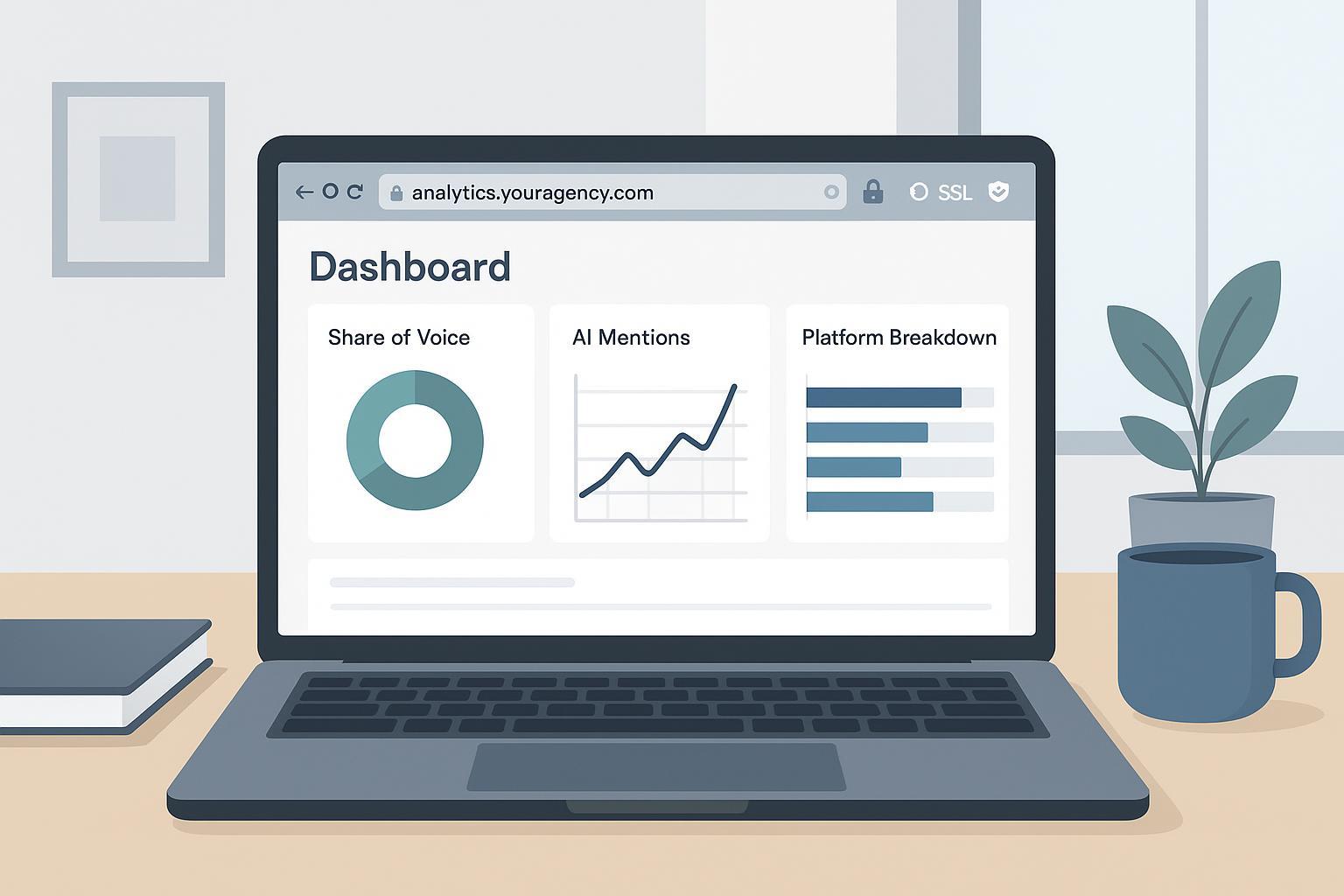
A white‑label AI visibility dashboard lets your agency present volatile AI answer surfaces—ChatGPT, Perplexity, Google’s AI experiences—through your brand and your governance. This guide takes you from blank slate to client‑ready: custom domain and SSL, branding, access and security, AI metrics and widgets, reporting and observability, plus a pragmatic rollout and troubleshooting approach. We’ll keep the focus on operations you can verify.
Step 1: Map your custom domain and automate SSL
Choose a subdomain you control (for example, analytics.youragency.com) and point it to your platform’s target hostname with a CNAME. Avoid conflicting A/AAAA records for the same name. If you use a proxy like Cloudflare, decide whether the record is proxied based on your provider’s guidance. Next, enable or confirm certificate automation. If your domain uses Certification Authority Authorization (CAA) records, make sure they allow the CA your platform relies on; for Let’s Encrypt, you would add an issue or issuewild directive permitting letsencrypt.org as explained in the Let’s Encrypt CAA explainer. CAA is evaluated at the closest matching label and follows CNAMEs, so check both the subdomain and its parent. If your platform expects an edge‑to‑origin “Full (strict)” TLS posture, confirm the origin certificate is valid and that hostnames line up; Cloudflare’s Full (strict) overview outlines the constraints.
Validate the setup with a quick sequence: use dig or a global DNS checker to confirm the CNAME resolves to the intended target and that there are no live A/AAAA collisions; give propagation a little time if needed. Once the platform verifies the hostname, visit your subdomain over HTTPS and confirm the padlock and certificate chain. If the padlock breaks, the cause is usually restrictive CAA preventing issuance or mixed content. Update the CAA to permit the correct CA and re‑attempt issuance. If the console shows insecure requests, enforce HTTPS and upgrade insecure subresources; MDN’s guidance on mixed content and upgrade‑insecure‑requests is a dependable reference.
Citations: Let’s Encrypt’s guidance on CAA is available in the Let’s Encrypt CAA explainer (2024), and Cloudflare’s requirements for edge‑to‑origin TLS are described in Cloudflare’s Full (strict) overview (docs current and maintained).
Step 2: Apply branding and remove fingerprints
With the domain live, upload primary and inverse logos, set your color palette and typography, and add a favicon. If custom CSS is supported, keep it minimal to avoid fragility during platform updates. Then verify that branding is consistent across all client‑facing surfaces. In an incognito window on your custom domain, step through sign‑in, dashboards, widgets, and exports. Confirm the favicon displays, that shareable links keep your domain, and that no vendor names or URLs appear in visible areas. If you use a CDN or proxy, purge caches after asset changes. If the padlock disappears on any page, check the browser console for http:// assets and replace them—mixed content is the usual culprit; MDN’s upgrade‑insecure‑requests header is effective for enforcing HTTPS across subresources.
Step 3: Configure access and security (SSO, RBAC, RLS, MFA, audits)
Identity and authorization deserve the same attention as DNS. For SSO with SAML through an IdP like Okta, set the Assertion Consumer Service (ACS) URL and Audience/EntityID exactly as your platform specifies, pick the appropriate NameID format (email is common), and map profile attributes like givenName and familyName. A mismatch in ACS or Audience is the most frequent reason assertions fail. Okta’s SAML app and IdP setup guides document these fields clearly. For OIDC via a provider such as Auth0, define Allowed Callback URLs and Allowed Logout URLs precisely—every character, including trailing slashes, must match; invalid post_logout_redirect_uri values trigger logout errors. Auth0’s logout configuration guidance details the behavior.
Design roles with a deny‑by‑default mindset and shape them around real workflows: agency admins, client admins, analysts, and read‑only viewers. Enforce multi‑factor authentication for privileged roles. Where the platform supports Row‑Level Security (RLS) on a relational store, enable tenant isolation policies so each request is scoped to a single tenant and can’t read across boundaries; validate by switching test tenants during a session and confirming no cross‑tenant data appears. Create one test account per role, attempt both allowed and disallowed actions, and review audit logs for authentication events, permission changes, and failed attempts. Schedule a quarterly access review to deprovision dormant accounts and confirm least privilege remains intact.
Citations: Okta’s SAML app and IdP setup guides (maintained) and Auth0’s logout configuration guidance (docs current) cover the exact parameters that commonly fail in SSO rollouts.
Step 4: Define AI visibility metrics and wire up widgets
AI visibility is the discipline of tracking how frequently and how prominently your brand appears in AI‑generated answers. If stakeholders need a grounding primer, see What is AI visibility? for a concise overview. To keep dashboards comparable across clients, standardize your measurement language.
Share of Voice (SoV) is your share of a defined market metric: SoV = (Your metric ÷ Total market metric) × 100. In organic search contexts, teams often estimate “your metric” via the traffic potential of tracked keywords and weight by click‑through curves; Semrush’s Share of Voice breakdown offers a practical framing. For AI‑specific reporting, define Answer Share as the percentage of tracked prompts whose answers contain your brand versus a competitor set (optionally weighted by answer prominence). Distinguish AI Mentions (the brand name appears in the answer) from Total Citations (links to your owned domains) and segment results by engine in a Platform Breakdown so channel effects are visible.
Expect variability. Perplexity and Google’s AI experiences rotate sources and cited URLs, and the presence or absence of live retrieval in ChatGPT affects whether links appear. Because answers and citations change with phrasing and time, favor trendlines and cohort comparisons over single screenshots; Search Engine Land’s overview of how different AI engines cite answers illustrates these differences.
When you assemble widgets, put a top‑line panel with SoV and Answer Share up front, with filters for branded navigational and category terms. Add a citations panel that separates owned‑domain links from third‑party links, and include deltas over 7/30/90‑day windows so movement is obvious at a glance.
Internal references: For a deeper conceptual treatment, see What is AI visibility? For a hands‑on process your team can adopt, see How to perform an AI visibility audit. For an overview of platform behavior differences, see the comparison of ChatGPT vs Perplexity vs Gemini vs Bing.
Step 5: Reporting, observability, and client readiness
Clients expect a steady cadence and an always‑on portal. Pair scheduled executive PDFs/CSVs with a live dashboard on your custom domain for working sessions. Set alerts for certificate renewal windows and DNS health, and establish data freshness SLAs so the team knows when the numbers update. Edge certificates commonly renew on a 60/90‑day cycle; treat certificate alerting as table stakes for uptime.
Before inviting a wider audience, perform a “client zero” pass with two test users in different roles. Verify that role‑based widgets behave as expected, exports carry your brand assets, and audit logs capture sign‑ins and changes. Then invite a small client cohort, confirm boundaries again, and expand.
A neutral, practical example: A platform like Geneo (Disclosure: Geneo is our product) can be used to host a white‑label portal on a custom subdomain (via CNAME) with automated certificates, apply your branding, and track AI Mentions and a Platform Breakdown across ChatGPT, Perplexity, and Google’s AI experiences. See the agency overview for specifics.
Rollout and rollback you can trust
Pilot in stages rather than flipping the switch for every client. Configure the CNAME and SSL on a non‑public subdomain first and validate the padlock and branding. Wire identity next, enable SSO, assign groups, and test with a low‑privilege user while verifying logout behavior and session timeouts. Load a small prompt cohort that covers branded and non‑branded questions across engines, populate SoV, Answer Share, and citation widgets, and watch trends for a week. Invite two client users with different roles and observe access boundaries and audit trails. Only after these pass should you bulk‑import prompts and expand to more clients.
If anything misbehaves, rollback cleanly. Temporarily point the subdomain to a controlled holding page while you fix certificates or identity, disable SSO enforcement for admin users only (never for client users) to regain access, and restore a prior configuration snapshot if the platform supports versioning. Think of this as a safety net you’ll rarely need—but when you do, it saves days.
Troubleshooting that actually helps
If the padlock breaks while DNS looks correct, inspect the console for mixed content and replace any http:// assets in logos, CSS, or embeds. When a SAML login fails with “invalid assertion,” decode the response and check that Audience/EntityID and ACS URL values match exactly and that clocks aren’t skewed; Okta’s SAML app and IdP references list the expected fields. If OIDC logout errors appear, confirm the post_logout_redirect_uri is among the Allowed Logout URLs and matches character‑for‑character as described in Auth0’s logout guidance. Should your SoV look “too good,” re‑check the denominator and the cohort: a branded‑only prompt set inflates Answer Share by design, so split branded and category prompts to get a fair view. If AI citations bounce week to week, remember that engine behavior rotates sources—trendlines and cohorts are your friend, and Search Engine Land’s survey of engine citation variability provides useful context.
Next steps
Codify your standard operating procedures: a domain naming convention, SSO defaults, role definitions, and a quarterly access review. Expand prompt coverage gradually and run a structured baseline; for a process your team can adopt, see How to perform an AI visibility audit. If you need a turnkey path that supports custom domains, white‑label branding, and multi‑engine AI visibility metrics without vendor fingerprints, evaluate Geneo on a single‑client pilot before standardizing.
References and further reading
- Let’s Encrypt CAA explainer: https://letsencrypt.org/docs/caa/
- Cloudflare Full (strict) overview: https://developers.cloudflare.com/ssl/origin-configuration/ssl-modes/full-strict/
- MDN upgrade‑insecure‑requests and mixed content: https://developer.mozilla.org/en-US/docs/Web/HTTP/Reference/Headers/Content-Security-Policy/upgrade-insecure-requests
- Okta SAML app and IdP setup guides: https://help.okta.com/oie/en-us/content/topics/apps/apps-about-saml.htm
- Auth0 logout configuration guidance: https://auth0.com/docs/authenticate/login/logout/log-users-out-of-auth0
- Search Engine Land on engine citation differences: https://searchengineland.com/how-different-ai-engines-generate-and-cite-answers-463234
- Semrush Share of Voice breakdown: https://www.semrush.com/blog/measure-seo-share-of-voice/
- What is AI visibility?: https://geneo.app/blog/ai-visibility-definition-brand-exposure-ai-search/
- How to perform an AI visibility audit: https://geneo.app/blog/how-to-perform-an-ai-visibility-audit-for-your-brand/
- Agency overview: https://geneo.app/agency