
How to Scrape Google AI Overview (Playwright & Puppeteer) — 2026 Technical Guide
Step-by-step 2026 guide to scrape Google AI Overview with Playwright & Puppeteer: runnable code, detection heuristics, proxy rotation, and JSON output.
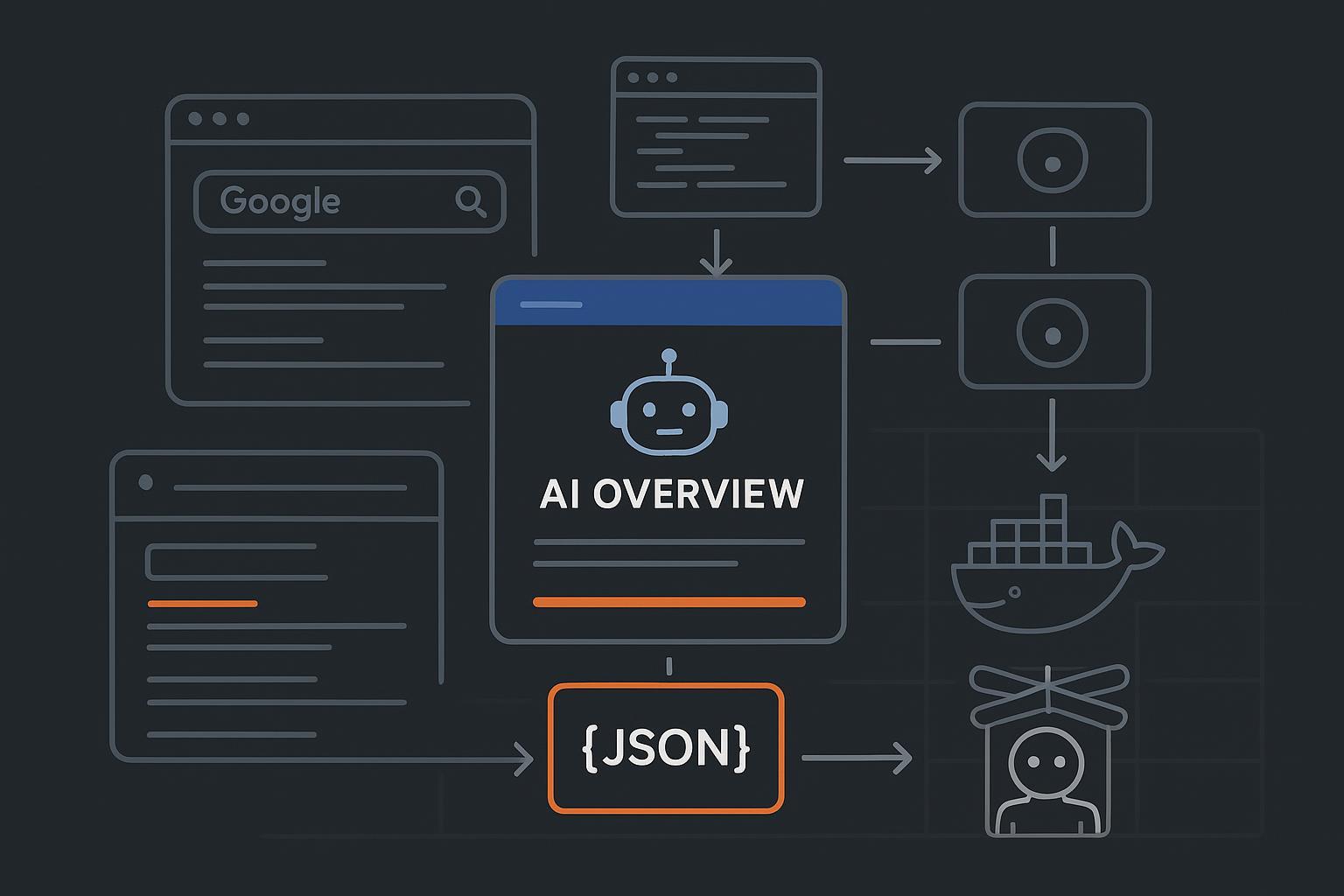
If you need a reliable, repeatable way to detect and parse AI Overview modules, this guide shows how to build it with Playwright (Python) and Puppeteer (Node.js). We’ll focus on implementation: navigation, localization (hl/gl/uule), detection heuristics that don’t rely on brittle selectors, structured JSON output, proxy rotation, and containerized scale. Note: automated access to Google Search can violate Google’s Terms; review the current language before proceeding and operate at your own risk.
Terms reference: see the relevant section in Google’s Terms of Service about automated access and machine-readable instructions in robots.txt. Read the official document here: Google Terms of Service.
Litigation context: for a sense of recent enforcement posture in the U.S., see the docket for Google LLC v. SerpApi, LLC (filed Dec 2025) on CourtListener: Google v. SerpApi docket.
Preflight checklist
OS and runtimes: Python 3.10+ and Node.js 18+; Docker 24+ optional but recommended for CI/CD.
Headless browsers: Playwright (Chromium) and Puppeteer; ensure you can run headless locally.
Proxies: residential/ISP pool with auth; budget for rotation and bandwidth.
Queries and locales: a CSV/JSON of queries and desired locales; plan hl, gl, and optional uule values.
Storage: S3-compatible bucket or filesystem for HTML/screenshot artifacts and JSON outputs.
Minimal Playwright (Python): navigate, detect, parse, serialize
This minimal script opens a localized query, waits for page settle, detects an AI Overview using structural heuristics, and serializes output to JSON. It also captures HTML and a screenshot for provenance.
# requirements: playwright==1.43.0+ (or current), pydantic, orjson
  # quickstart: pip install playwright orjson pydantic && playwright install --with-deps

  import asyncio, json, time
  from typing import List, Optional
  from pydantic import BaseModel, Field
  from playwright.async_api import async_playwright

  class Citation(BaseModel):
      url: str
      anchor: Optional[str] = None

  class AIOPayload(BaseModel):
      schema_version: str = "1.0.0"
      query: str
      url: str
      locale: str
      detected: bool
      summary: Optional[str] = None
      bullets: List[str] = Field(default_factory=list)
      citations: List[Citation] = Field(default_factory=list)
      screenshot_path: Optional[str] = None
      html_path: Optional[str] = None
      fetched_at: float

  SEARCH_URL = "https://www.google.com/search?q={q}&hl={hl}&gl={gl}{uule}"

  # Optional: supply uule like "&uule=w+CAIQICINVW5pdGVkIFN0YXRlcw" (construct separately)

  async def detect_ai_overview(page):
      # Heuristic detection inside the page context: avoid brittle CSS classes.
      script = """
      () => {
        function textContent(el){return (el.innerText||'').trim();}

        // Candidate regions with landmark roles and known headings
        const regions = Array.from(document.querySelectorAll('[role="region"], section'));

        let best = null;
        for (const r of regions) {
          const tt = (r.getAttribute('aria-label')||'') + ' ' + textContent(r.querySelector('h2,h3,strong,header'));
          const t = tt.toLowerCase();
          if (t.includes('overview') || t.includes('ai overview') || t.includes('ai-generated')) {
            // Basic sanity: look for multiple outbound links, list-like blocks, or Q&A chunks
            const links = Array.from(r.querySelectorAll('a[href^="http"]'));
            if (links.length >= 3) {
              best = r; break;
            }
          }
        }

        if (!best) return null;

        // Extract simple model: summary, bullets, citations
        const summary = textContent(best.querySelector('div, p'));
        const bullets = Array.from(best.querySelectorAll('li')).slice(0, 10).map(li => textContent(li)).filter(Boolean);
        const citations = Array.from(best.querySelectorAll('a[href^="http"]'))
          .filter(a => !a.href.includes('google.com'))
          .slice(0, 20)
          .map(a => ({ url: a.href, anchor: textContent(a) }));

        return { summary, bullets, citations };
      }
      """
      return await page.evaluate(script)

  async def fetch_one(query: str, hl: str = 'en', gl: str = 'us', uule: str = '') -> AIOPayload:
      async with async_playwright() as pw:
          browser = await pw.chromium.launch(headless=True)
          context = await browser.new_context(
              user_agent="Mozilla/5.0 (Windows NT 10.0; Win64; x64) AppleWebKit/537.36 (KHTML, like Gecko) Chrome/120.0.0.0 Safari/537.36",
              viewport={"width": 1366, "height": 1000}
          )
          page = await context.new_page()

          url = SEARCH_URL.format(q=query.replace(' ', '+'), hl=hl, gl=gl, uule=("&uule="+uule if uule else ""))
          await page.goto(url, wait_until="domcontentloaded")

          # Handle consent if present (role/text-based to avoid brittle selectors)
          try:
              consent = page.get_by_role("button", name=lambda n: n and 'accept' in n.lower())
              if await consent.is_visible(timeout=3000):
                  await consent.click()
          except Exception:
              pass

          await page.wait_for_load_state("networkidle")

          # Optional: short wait/jitter; AIO often lazy-loads
          await page.wait_for_timeout(1000)

          data = await detect_ai_overview(page)

          # Artifacts
          ts = int(time.time()*1000)
          html_path = f"artifacts/{ts}_{hl}_{gl}_page.html"
          screenshot_path = f"artifacts/{ts}_{hl}_{gl}_page.png"
          await page.screenshot(path=screenshot_path, full_page=True)
          html = await page.content()
          with open(html_path, 'w', encoding='utf-8') as f:
              f.write(html)

          await context.close(); await browser.close()

          payload = AIOPayload(
              query=query,
              url=url,
              locale=f"{hl}-{gl}",
              detected=bool(data),
              summary=(data or {}).get('summary'),
              bullets=(data or {}).get('bullets', []),
              citations=[Citation(**c) for c in (data or {}).get('citations', [])],
              screenshot_path=screenshot_path,
              html_path=html_path,
              fetched_at=time.time()
          )
          print(payload.model_dump_json(indent=2))
          return payload

  if __name__ == '__main__':
      asyncio.run(fetch_one("best electric bikes 2026", hl='en', gl='us'))
Notes and hardening tips
Use role/text locators for consent banners. Prefer Playwright locators over brittle CSS classnames.
For exact location bias, consider
uule. Community libraries can help you generate valid values; one example encoder exists here: SerpApi uule converter. Validate outputs empirically.Playwright’s auto-waiting and locators improve reliability; review the official guidance in Playwright docs on locators.
Minimal Puppeteer (Node.js) with stealth and JSON output
This example mirrors the Python flow and adds a stealth plugin to reduce obvious headless signals.
// package.json deps: "puppeteer-extra", "puppeteer-extra-plugin-stealth", "puppeteer", "zod"
  // quickstart: npm i puppeteer puppeteer-extra puppeteer-extra-plugin-stealth zod
  import fs from 'node:fs/promises';
  import path from 'node:path';
  import { fileURLToPath } from 'node:url';
  import puppeteer from 'puppeteer-extra';
  import StealthPlugin from 'puppeteer-extra-plugin-stealth';
  import { z } from 'zod';

  puppeteer.use(StealthPlugin());

  const __filename = fileURLToPath(import.meta.url);
  const __dirname = path.dirname(__filename);

  const Citation = z.object({ url: z.string(), anchor: z.string().optional() });
  const Payload = z.object({
    schema_version: z.literal('1.0.0'),
    query: z.string(),
    url: z.string(),
    locale: z.string(),
    detected: z.boolean(),
    summary: z.string().optional(),
    bullets: z.array(z.string()),
    citations: z.array(Citation),
    screenshot_path: z.string().optional(),
    html_path: z.string().optional(),
    fetched_at: z.number()
  });

  const SEARCH = (q, hl, gl, uule='') => `https://www.google.com/search?q=${encodeURIComponent(q)}&hl=${hl}&gl=${gl}${uule?`&uule=${uule}`:''}`;

  async function detectAIO(page){
    return await page.evaluate(() => {
      const pickText = el => (el?.innerText || '').trim();
      const regions = Array.from(document.querySelectorAll('[role="region"], section'));
      let candidate = null;
      for (const r of regions) {
        const tt = ((r.getAttribute('aria-label')||'') + ' ' + pickText(r.querySelector('h2,h3,strong,header'))).toLowerCase();
        if (tt.includes('overview') || tt.includes('ai overview') || tt.includes('ai-generated')) {
          const links = r.querySelectorAll('a[href^="http"]');
          if (links.length >= 3) { candidate = r; break; }
        }
      }
      if (!candidate) return null;
      const summary = pickText(candidate.querySelector('div,p'));
      const bullets = Array.from(candidate.querySelectorAll('li')).slice(0,10).map(li => pickText(li)).filter(Boolean);
      const citations = Array.from(candidate.querySelectorAll('a[href^="http"]'))
        .filter(a => !a.href.includes('google.com'))
        .slice(0,20)
        .map(a => ({ url: a.href, anchor: pickText(a) }));
      return { summary, bullets, citations };
    });
  }

  async function runOne(query, hl='en', gl='us', uule=''){
    const browser = await puppeteer.launch({ headless: true, args: ['--no-sandbox','--disable-setuid-sandbox','--disable-dev-shm-usage'] });
    const page = await browser.newPage();
    await page.setUserAgent('Mozilla/5.0 (Windows NT 10.0; Win64; x64) AppleWebKit/537.36 (KHTML, like Gecko) Chrome/120.0.0.0 Safari/537.36');
    await page.setViewport({ width: 1366, height: 1000 });

    const url = SEARCH(query, hl, gl, uule);
    await page.goto(url, { waitUntil: 'domcontentloaded', timeout: 60000 });

    // Consent handling with role/text heuristics
    try {
      await page.waitForSelector('button', { timeout: 3000 });
      const buttons = await page.$$('button');
      for (const b of buttons) {
        const txt = (await (await b.getProperty('innerText')).jsonValue() || '').toLowerCase();
        if (txt.includes('accept') || txt.includes('agree')) { await b.click(); break; }
      }
    } catch {}

    await page.waitForNetworkIdle({ idleTime: 1000, timeout: 15000 });

    const data = await detectAIO(page);

    const ts = Date.now();
    const artDir = path.join(__dirname, 'artifacts');
    await fs.mkdir(artDir, { recursive: true });
    const htmlPath = path.join(artDir, `${ts}_${hl}_${gl}_page.html`);
    const shotPath = path.join(artDir, `${ts}_${hl}_${gl}_page.png`);
    await page.screenshot({ path: shotPath, fullPage: true });
    await fs.writeFile(htmlPath, await page.content(), 'utf8');

    await browser.close();

    const payload = {
      schema_version: '1.0.0',
      query, url, locale: `${hl}-${gl}`, detected: !!data,
      summary: data?.summary, bullets: data?.bullets || [], citations: data?.citations || [],
      screenshot_path: shotPath, html_path: htmlPath, fetched_at: ts / 1000
    };

    console.log(JSON.stringify(Payload.parse(payload), null, 2));
    return payload;
  }

  runOne('best electric bikes 2026').catch(e => { console.error(e); process.exit(1); });
Why this works when you scrape Google AI Overview
We anchor detection to landmarks (role/aria, headings) and corroborate with link density to reduce selector brittleness.
We persist artifacts (HTML + screenshot) for auditing and regression tests.
We output a stable JSON schema (versioned) to support downstream analytics.
Detection patterns: mutation observation, artifacts, and schema
Layout shifts and lazy loads are common. A simple mutation observer can capture late-rendered blocks to improve recall.
// Inject after initial network idle; collect late content for ~2s
  await page.evaluate(() => {
    const target = document.body;
    const hits = [];
    const pickText = el => (el?.innerText || '').trim();
    const isAIO = (node) => {
      const t = (node.getAttribute?.('aria-label') || '' ).toLowerCase();
      return t.includes('overview') || t.includes('ai overview') || t.includes('ai-generated');
    };
    const observer = new MutationObserver((mutations) => {
      for (const m of mutations) {
        for (const n of m.addedNodes) {
          if (!(n instanceof HTMLElement)) continue;
          if (isAIO(n)) {
            const links = n.querySelectorAll('a[href^="http"]');
            if (links.length >= 3) hits.push(n.outerHTML);
          }
        }
      }
    });
    observer.observe(target, { childList: true, subtree: true });
    setTimeout(() => observer.disconnect(), 2000);
    window.__AIO_HITS__ = hits;
  });
After this window, you can read window.__AIO_HITS__ and parse any late matches. Always keep storing HTML and screenshots on every run; they’re invaluable when your detectors miss.
Suggested JSON schema (extend as needed)
{
    "schema_version": "1.0.0",
    "query": "string",
    "url": "string",
    "locale": "hl-gl",
    "detected": true,
    "summary": "string | null",
    "bullets": ["string"],
    "citations": [ { "url": "string", "anchor": "string|null" } ],
    "images": [ { "url": "string", "alt": "string|null" } ],
    "provenance": {
      "screenshot_path": "string",
      "html_path": "string",
      "fetched_at": 1736700000
    }
  }
Anti-bot and proxy strategy (production notes)
Favor residential/ISP proxies over datacenter IPs; rotate per browser context and track health (success rates, response times, ban codes). Practical rotation patterns are discussed in practitioner guides like ScrapFly’s overview on rotation strategies: proxy rotation patterns.
Use human-like pacing and jitter; bound retries with exponential backoff on 429/403.
Keep consent handling role/text-based and conditional; don’t pin to CSS classnames that change often.
For Puppeteer in containers or serverless, a maintained Chromium build helps avoid glibc/headless pitfalls; Sparticuz provides a battle-tested distribution: Sparticuz/chromium.
Scheduling, concurrency, and Docker
A simple Dockerfile makes headless browser runs reproducible in CI/CD. For Playwright, prefer their official base images to ensure system deps and browsers are present.
# Playwright container for Python scraper
  FROM mcr.microsoft.com/playwright/python:v1.43.0
  WORKDIR /app
  COPY requirements.txt ./
  RUN pip install -r requirements.txt
  COPY . .
  # Optional: enable tracing and artifacts dir
  ENV PLAYWRIGHT_BROWSERS_PATH=/ms-playwright
  CMD ["python", "playwright_scraper.py"]
Operational tips
Use a queue (e.g., Redis + Celery for Python or BullMQ for Node) and cap concurrency per container so you don’t starve CPU/memory.
Consider capturing Playwright traces on failure for later inspection; see the workflow guidance in the official docs: Playwright documentation.
For Node fleets, tune Chromium flags like
--disable-dev-shm-usageand--no-sandboxin containerized environments.
Testing, monitoring, and drift management
Record fixtures: store HTML and screenshots alongside parsed JSON; add unit tests that validate parsing functions against these fixtures.
Canary runs: maintain a small, daily set of queries across locales/devices to detect UI shifts early.
Drift alerts: if detection rates drop beyond a threshold or parsing fails schema validation, alert the on-call and trigger a selector re-discovery task.
Analytics: to tie outputs to marketing KPIs, you can map “detected presence” and “citation coverage” to visibility metrics; a practical framework is outlined here: AI search KPI frameworks.
Troubleshooting playbook
Frequent 429/403 blocks: reduce concurrency, add jitter, and rotate proxies more aggressively; verify your user agent and viewport variety; ensure cookies persist for session reuse.
No AI Overview detected but present visually: increase post-load wait, enable the mutation observer, and review artifacts; broaden heuristics (e.g., allow synonyms for headings or adjust link count thresholds).
Headless failures in CI: use the official Playwright images or a maintained Chromium build; ensure shared memory size and sandbox settings are compatible in your runtime.
Next steps and alternatives
Policy reminder: review the most recent language in the official Google Terms of Service and consult counsel about your organization’s risk tolerance. For a recent U.S. case relevant to scraping posture, see the Google v. SerpApi docket.
If you don’t want to maintain scraping code but still need AI answer monitoring and KPIs, consider a GEO/AEO monitoring platform. Disclosure: Geneo is our product; it focuses on tracking AI answer presence, citations, and sentiment across engines for agencies and brands.
For teams continuing the DIY path, extend your stack with full localization support (uule encoders like the community project linked above), a proxy health service, and nightly canary runs. When you aggregate results, tie presence and citation share to pipeline/revenue metrics using a KPI framework like the one linked earlier.
Secondary references worth bookmarking
Role/text-first locator patterns and auto-waits in Playwright: see the Playwright locator docs.
Rotation strategies and anti-bot notes: the ScrapFly proxy rotation guide.
Maintained Chromium for serverless/containerized Puppeteer: Sparticuz/chromium.