
How to Integrate Schema Markup for AI Search: Step-by-Step Guide
Follow this practical, step-by-step tutorial to implement schema markup for AI search engines and Google AI Overview, boosting brand visibility and reporting.
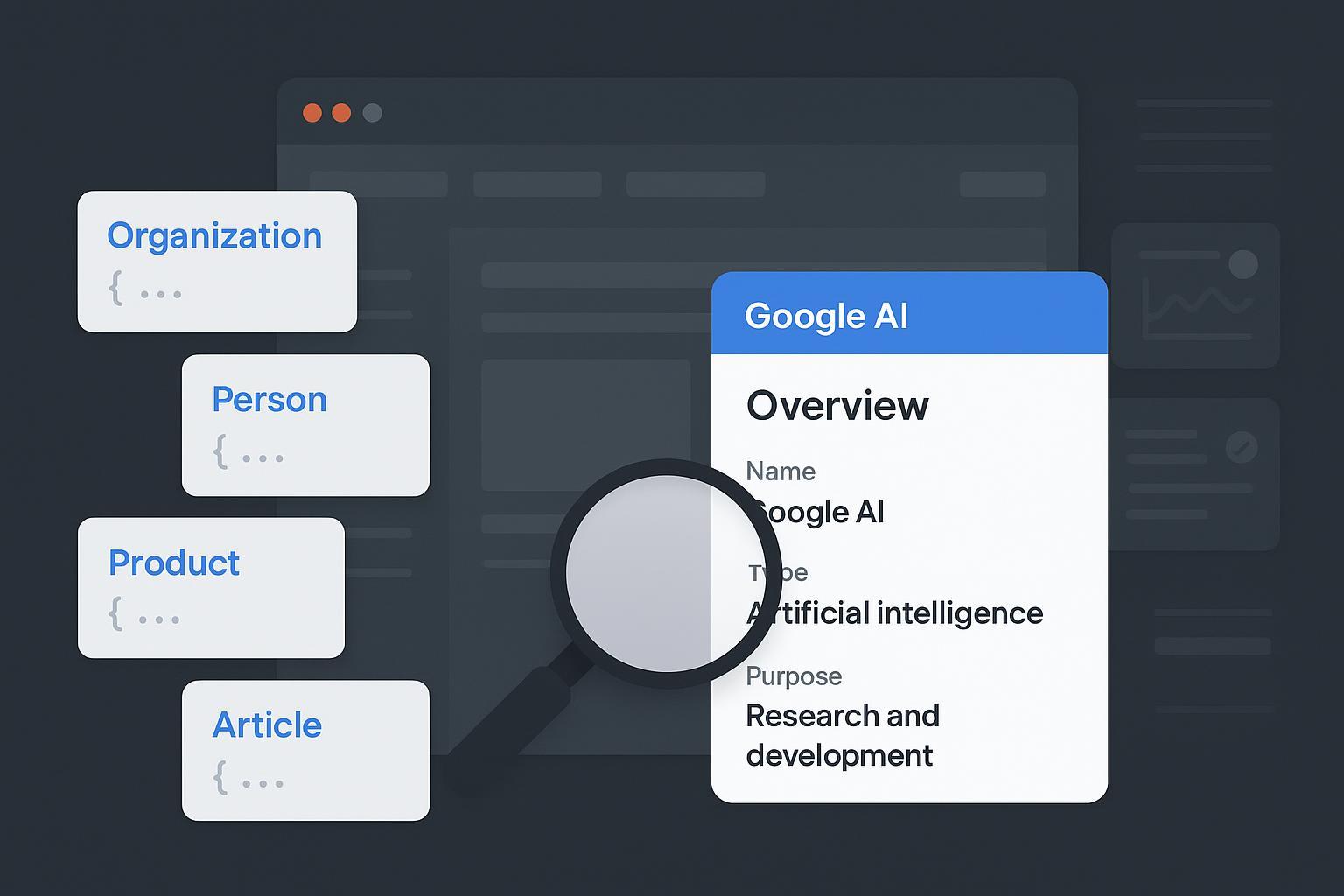
Step-by-Step Integration of Schema Markup for AI Search Engines Using Geneo’s Optimization Tools
If AI Overviews can summarize your content but don’t credit your brand, that’s a problem. Structured data (schema.org JSON‑LD) helps machines understand what’s on the page, improves extractability, and increases eligibility for attribution—yet it’s not a guarantee of inclusion. Google reiterates that fundamentals still rule: discoverability, user-first content, and appropriate structured data, per its May 2025 guidance in Succeeding in AI Search. See Google’s official overview in the post “Succeeding in AI Search (2025)” for how eligibility works and why inclusion isn’t automatic: Google Search Central: Succeeding in AI Search (May 2025).
Before we dive into code, align the team on one idea: schema is alignment, not decoration. Mark up what’s visibly present, choose the primary entity per page, and build a stable entity graph across your site.
1) Build a stable entity graph (Organization + Person/Author)
Your entity graph is the backbone for disambiguation in AI engines and Google’s systems. Use stable @id values and authoritative sameAs links.
@id conventions: Assign permanent identifiers you can reference across templates (for example, https://yourdomain.com/#org for the Organization, and author profile URLs with #person fragments).
sameAs: Point to authoritative profiles (official social accounts, Wikidata/Wikipedia, Crunchbase if applicable). The goal is consistent identity across the web.
Copy-ready JSON‑LD pattern:
{
    "@context": "https://schema.org",
    "@graph": [
      {
        "@type": "Organization",
        "@id": "https://yourdomain.com/#org",
        "name": "Your Agency Name",
        "url": "https://yourdomain.com/",
        "logo": {
          "@type": "ImageObject",
          "url": "https://yourdomain.com/assets/logo.png"
        },
        "sameAs": [
          "https://www.linkedin.com/company/your-agency/",
          "https://twitter.com/youragency",
          "https://www.wikidata.org/wiki/QXXXXXX"
        ]
      },
      {
        "@type": "Person",
        "@id": "https://yourdomain.com/authors/jane-doe/#person",
        "name": "Jane Doe",
        "url": "https://yourdomain.com/authors/jane-doe/",
        "sameAs": [
          "https://www.linkedin.com/in/jane-doe/",
          "https://twitter.com/janedoe"
        ]
      }
    ]
  }
Tie these nodes into page-level content via author and publisher to create a coherent, reusable graph.
For broader context on why off‑site entity signals matter in LLMs, see “Why ChatGPT Mentions Certain Brands”: entity signals that drive brand mentions in answer engines.
2) Choose the page’s primary entity and implement JSON‑LD
Each page should have a single dominant type. Don’t compete with multiple primaries (for example, avoid using both FAQPage and Article as primaries on the same URL). Here are copy‑ready patterns for common types that influence AI extraction and attribution.
Article/BlogPosting
Use Article (or the more specific subtype BlogPosting) for editorial content. Reference your sitewide Organization/Person via @id.
{
    "@context": "https://schema.org",
    "@type": "BlogPosting",
    "@id": "https://yourdomain.com/blog/schema-ai-overview/#article",
    "headline": "How Schema Improves AI Overview Eligibility",
    "image": [
      "https://yourdomain.com/images/ai-overview-schema.jpg"
    ],
    "datePublished": "2025-03-17",
    "dateModified": "2025-12-01",
    "author": {
      "@id": "https://yourdomain.com/authors/jane-doe/#person"
    },
    "publisher": {
      "@id": "https://yourdomain.com/#org"
    },
    "mainEntityOfPage": {
      "@type": "WebPage",
      "@id": "https://yourdomain.com/blog/schema-ai-overview/"
    }
  }
Product (commerce)
Provide complete identifiers and synchronized pricing/availability. Google’s Product structured data documentation details required and recommended fields: Product structured data: required and recommended fields.
{
    "@context": "https://schema.org",
    "@type": "Product",
    "@id": "https://yourdomain.com/products/widget-2000/#product",
    "name": "Widget 2000",
    "image": "https://yourdomain.com/images/widget-2000.jpg",
    "description": "A durable, lightweight widget for everyday use.",
    "sku": "W2000",
    "brand": {
      "@type": "Brand",
      "name": "YourBrand"
    },
    "gtin13": "1234567890123",
    "offers": {
      "@type": "Offer",
      "price": "49.00",
      "priceCurrency": "USD",
      "availability": "https://schema.org/InStock",
      "url": "https://yourdomain.com/products/widget-2000/"
    }
  }
If you have variants, align with Google’s Product variants documentation before deployment: Google’s guidance on product variants and Offer details.
FAQPage (use only when Q&A is visibly present)
FAQ rich results have been limited since 2023, primarily to authoritative sites. Treat FAQPage as a content understanding aid, not a guaranteed feature. Documentation: FAQPage structured data requirements.
{
    "@context": "https://schema.org",
    "@type": "FAQPage",
    "mainEntity": [
      {
        "@type": "Question",
        "name": "Does schema guarantee inclusion in AI Overviews?",
        "acceptedAnswer": {
          "@type": "Answer",
          "text": "No. Schema improves understanding and eligibility, but inclusion depends on Google’s systems and content quality."
        }
      },
      {
        "@type": "Question",
        "name": "Should we mark up content that isn’t visible?",
        "acceptedAnswer": {
          "@type": "Answer",
          "text": "No. Mark up only truthful, visible content that users can see on the page."
        }
      }
    ]
  }
HowTo (status note)
Google deprecated HowTo rich results; don’t rely on it for features. Keep only if it aligns with your content and internal needs. See Google’s announcement for changes to HowTo/FAQ: Changes to HowTo and FAQ rich results (Aug 2023).
For a clear definition of AI visibility and why it matters to agencies, see this explainer: What Is AI Visibility? Brand Exposure in AI Search Explained.
3) CMS implementation: WordPress, Shopify, Wix
Your deployment method should minimize duplication and keep @id values consistent.
WordPress: Leading SEO plugins (Yoast, Rank Math, AIOSEO) automatically output Article/Organization graphs. If you add custom JSON‑LD, inspect the page source to avoid duplicates. For custom themes, assemble JSON arrays via PHP and output with wp_json_encode in wp_head, targeting the right templates.
Shopify: Use Liquid to inject JSON‑LD in product/article templates; store structured values in metafields (Admin → Settings → Custom Data). Synchronize Offer.price and availability with catalog data to prevent drift.
Wix: Editor → SEO basics → Advanced SEO → Structured Data Markup. Apply per page or to page groups (for example, all blog posts). Wix generates basic schema; supplement with custom blocks where needed.
Quick rule of thumb: one primary JSON‑LD block per page type, plus sitewide Organization/Person via @graph. Validate on a few representative templates before rolling out broadly.
4) Validation and monitoring workflow
Adopt a repeatable routine so your team ships changes confidently and sees issues early.
Author: Write JSON‑LD that mirrors visible content. Prefer JSON‑LD over microdata.
Validate (Google-specific features): Paste the URL or code into the Rich Results Test and fix all errors; address warnings when feasible.
Validate (vocabulary conformance): Use the Schema Markup Validator to confirm the graph and types.
Deploy and request indexing: Use Google Search Console URL Inspection to submit important updated pages.
Monitor: Check Enhancements reports and error/warning counts weekly. Treat template changes or app updates as triggers for re‑validation.
Practical Example: Prioritization and monitoring with Geneo
Disclosure: Geneo is our product.
Here’s how an agency can slot Geneo into the workflow without changing your CMS or dev stack:
Prioritize: Pull queries and brand mentions from AI engines and identify content types frequently cited in AI Overviews (for example, product pages and definitive guides). Map these to schema tasks—Product completeness, Article authorship/publisher linking, and Organization identity.
Monitor: Track shifts in AI visibility and attribution over time while your team iterates on schema and content. Use insights to decide which templates to audit next.
This complements Google’s validation tools; it doesn’t replace them. Think of it as your “what’s being cited out there?” radar.
5) QA checklist and common fixes
Use this concise checklist during releases and audits:
Content parity: Every marked property is visible and truthful on the page.
Primary entity: One dominant type per URL (Article vs. Product vs. FAQPage). No competing primaries.
Entity graph: Stable @id values for Organization and authors; link via author/publisher.
Completeness: Fill required fields and key recommended ones (identifiers, images, offers, dates).
Media: Logos and images are crawlable, correctly sized, and not blocked.
Common fixes your devs will thank you for:
Remove FAQPage when the page isn’t a real FAQ; or add visible Q&A to match mainEntity.
Synchronize Product Offer.price and availability with live data to prevent stale snippets.
Standardize @id conventions and reuse them consistently across templates.
6) Measurement and reporting for AI Overview readiness
Eligibility doesn’t equal inclusion, so track impact in layers:
Structured data health: Enhancements counts and error/warning trends in Search Console. Confirm fixes are recognized.
AI visibility: Watch how often your content is cited or summarized by AI engines and whether brand attribution improves. For deeper frameworks that go beyond rich results, see this explainer on measurement: LLMO Metrics — measuring accuracy, relevance, and personalization in AI.
Tooling landscape: If you operate globally, explore monitoring ecosystems and options; here’s a helpful overview of tracking tools: 10 Best Google AI Overview (AIO) Tracking Tools for China.
When the client asks, “Are we winning in AI search?” you’ll have a defensible answer grounded in validation, visibility trends, and clear next steps.
Next steps
Align on entity graph conventions (@id, sameAs) and roll them out sitewide.
Choose a primary entity per page and implement JSON‑LD that mirrors visible content.
Validate with Rich Results Test and Schema Markup Validator; submit key URLs via Search Console.
Monitor AI visibility and citations; prioritize templates with gaps.
Ready to show clients measurable progress and agency-grade reporting? Start with a quick audit and visibility baseline. Start Free Analysis on Geneo for agencies.