
How Geneo’s real-time analytics pinpoint visibility risks from outdated or negative reviews in ChatGPT answers (and how to monitor, validate, and remediate)
Step-by-step guide to monitor, validate, and remediate outdated or negative brand reviews in ChatGPT answers. Learn how to track, confirm, and resolve AI visibility risks.
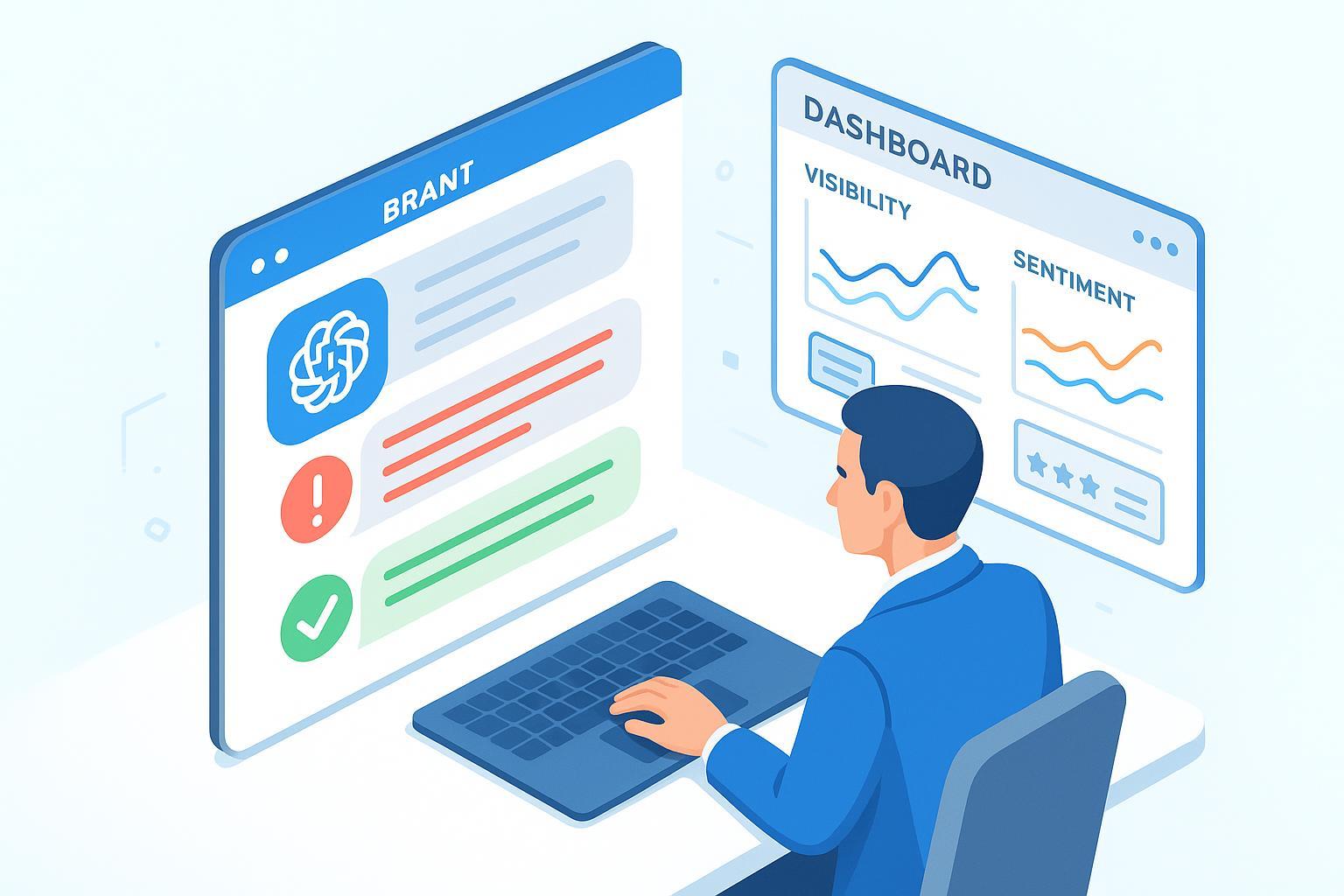
When ChatGPT pulls in outdated claims or amplifies negative reviews, the reputational hit is fast and often invisible until customers mention it. The goal of this guide is straightforward: give your team a repeatable way to spot those “black spots” in AI answers early, confirm what’s real, and fix what you can influence—without overreacting or wasting cycles.
What “AI visibility” means for ChatGPT (and why it’s not SEO)
AI visibility is the share of exposure your brand earns inside AI-generated answers: mentions, recommendations, citations, and sentiment markers. It differs from classic SEO because answers are synthesized, not just ranked. Instead of “position,” you track whether your brand appears, how it’s framed, which sources are cited, and how often problematic narratives recur. For a deeper primer, see the context and definitions in AI visibility: brand exposure in AI search and the broader comparison in Traditional SEO vs GEO.
ChatGPT can browse the web and display citations in certain modes, with clickable source links shown when web search is used. These features depend on availability and settings, so expect variability across sessions. OpenAI outlines this behavior in its capabilities overview: see ChatGPT Capabilities Overview (OpenAI Help Center).
Monitoring workflow (ChatGPT-first)
The objective is to detect visibility risks—especially outdated information and outsized amplification of negative reviews—before they spread.
1) Build your topic-and-entity map
Start by enumerating the core entities you care about and how buyers actually talk about them. Include brand and product names (with common misspellings), the problem statements and value claims you’re known for, the competitors and substitutes that appear in comparisons, and the review platforms where prospects look for social proof (Google, Yelp, Trustpilot, and any niche forums). Tie each item to buyer-intent moments—evaluation, side‑by‑side comparisons, and troubleshooting—so your monitoring mirrors real customer journeys.
2) Design reproducible query sets (ChatGPT prompts)
Use consistent prompt frames to make monitoring comparable over time. Examples:
Navigational: “Who is [Brand]? What do most users say about it?”
Informational: “Is [Product] reliable for [use case]? What are the downsides?”
Transactional: “Should I choose [Brand] or [Competitor] for [use case]? Why?”
Review-centric: “Summarize the most common complaints about [Brand]. Include sources if available.”
Add guardrails that ask for citations when browsing is available: “If you used web sources, list the citations and dates.” If ChatGPT does not show citations, capture the answer anyway and plan a cross-check in Validation.
3) Capture answer snapshots and track visibility metrics
For each query, save the exact prompt and the full answer; note if citations are present and list the domains and any dates shown. Count explicit brand and competitor mentions. Classify recommendation types—implicit (“it looks like a fit for…”) versus explicit (“choose [Brand]”). Finally, extract sentiment markers: adjectives and phrases that signal negative or outdated claims. You’re not trying to “win” each answer—you’re watching patterns and trend deltas.
4) Define alert thresholds and severity
Create simple severity levels that trigger action. High severity covers outdated factual claims (for example, features removed years ago), repeated citation of 1–2‑star reviews from high‑authority domains, or incorrect safety/compliance statements. Medium severity includes balanced but disproportionately negative summaries and mixed citations that lean on old blog posts or thin affiliate lists. Low severity is minor phrasing skew or a single low‑quality citation without repetition. A workable rule is: escalate to validation if High appears once or Medium appears twice within two weeks.
5) Practical example: automating collection and alerts
Disclosure: Geneo is our product.
A team can instrument their monitoring by logging prompts, answers, and citations, then scoring sentiment and citation quality. In practice, Geneo can be used to aggregate mention counts, track citation domains over time, and flag spikes in negative sentiment or outdated narratives with alert thresholds you configure. Use it alongside your internal sheets or dashboards; it supports multi-engine checks when you want to compare exposure in ChatGPT with Perplexity or Google AI Overviews.
Validation workflow
Validation confirms whether a flagged risk is real, outdated, or misattributed—and whether it’s contained to one engine or spreading.
1) Source verification and provenance logging
Start with the cited pages (if present): check publish/updated dates, author identity, and whether the page reflects current facts. Document your findings in a simple provenance log: source URL, date observed, evidence notes, and screenshots. The NIST ecosystem emphasizes provenance documentation as part of responsible AI operations; see NIST’s proposed documentation outline for AI datasets and models for principles that translate well to brand monitoring.
If ChatGPT didn’t show citations, manually search your brand + key claim to locate likely source articles or review pages. Note moderation flags (e.g., “content removed,” “updated on”), and evaluate domain credibility.
2) Cross-engine triangulation
Run the same queries in Perplexity and observe the citation list. Perplexity’s answers routinely include numbered sources, which makes spread assessment faster. For engine behavior details, see How Perplexity works (Help Center). Then check whether Google’s AI features show similar narratives; Google describes how AI Overviews present supporting links when confidence is high in AI Features and Your Website (Search Central).
If the narrative is contained (only one engine), you may opt for targeted outreach. If it appears across engines, prioritize remediation.
3) Decision rules
Escalate when an outdated claim impacts compliance, safety, or pricing.
Escalate when negative reviews from high-authority domains dominate summaries for two consecutive monitoring cycles.
Defer when signals are mixed, low-severity, or tied to a single low-quality source pending a refresh.
Define who signs off (brand lead or comms head) and set a 48–72 hour window for triage decisions.
Remediation playbook
The goal is to correct the record where possible, and strengthen the evidence that informs future answers.
1) Corrective outreach to publishers and review platforms
Package an evidence note: “Observed in ChatGPT on date]; claim X is outdated—current facts are Y (links, screenshots).” Be factual, polite, and specific about requested changes. For platform policies and response best practices, Google’s guidance for business reviews is a useful reference: [Manage customer reviews (Google Business Profile).
On Yelp and Trustpilot, flag only policy violations; genuine negative opinions typically remain. Aim for constructive public replies that acknowledge concerns and share updated information, then work to generate fresher reviews from real customers.
2) Content refresh on owned properties
Update product pages, FAQs, and docs with clear “updated on” timestamps. Add structured data—Review/Rating/AggregateRating and Product/Organization schemas—so downstream systems parse current facts; validate with Google’s Rich Results tooling. Where appropriate, cite authoritative third‑party coverage and include links that corroborate new facts.
3) Strengthen review management flows
Encourage satisfied customers to leave honest, detailed reviews. Respond professionally and promptly on major platforms without becoming argumentative. Track common complaint themes and address them in product and support content.
Post-fix tracking and reporting
Re-run your monitoring queries and compare trend deltas: fewer negative sentiment markers, improved or updated citations, and more balanced recommendations. Update dashboards weekly at first, then move to monthly once issues stabilize.
If you operate as or with an agency, set a regular reporting cadence and include remediation summaries and next‑step commitments. For white‑label reporting flows, see Agency workflows for AI visibility reporting.
Troubleshooting: common snags and workarounds
ChatGPT citation variability: If the session offers limited or no citations, capture the answer text and switch to Perplexity to identify source domains. Then validate and decide.
Conflicting narratives across engines: Treat this as a spread risk; prioritize outreach and refreshes.
Unresponsive publishers: Follow up twice, then pivot to strengthening owned content and third‑party coverage that can be cited.
Attribution caution: Avoid claiming that any single action “caused” improvements; monitor patterns over time.
Lightweight checklist you can use today
Build your entity map and query set (10–15 prompts that mirror buyer journeys)
Run weekly checks in ChatGPT; log answers, mentions, sentiment, and citations
Triaging rule: validate High once or Medium twice
Cross-check in Perplexity and Google AI Overviews to assess spread
Remediate with evidence packets, content refreshes, and structured data
Track trend deltas for 4–6 weeks, then reduce cadence
If this guide helps, keep your monitoring lightweight and consistent. For broader context on engine behaviors and monitoring approaches, compare systems in ChatGPT vs Perplexity vs Gemini vs Bing. And if you need to formalize reporting across teams, the agency resources above are a good starting point.