
How to Build AI-Readable Landing Pages: Step-by-Step Guide
Learn how to build AI-readable landing pages—step-by-step instructions, schema, snippet controls, and validation for better AI search visibility.
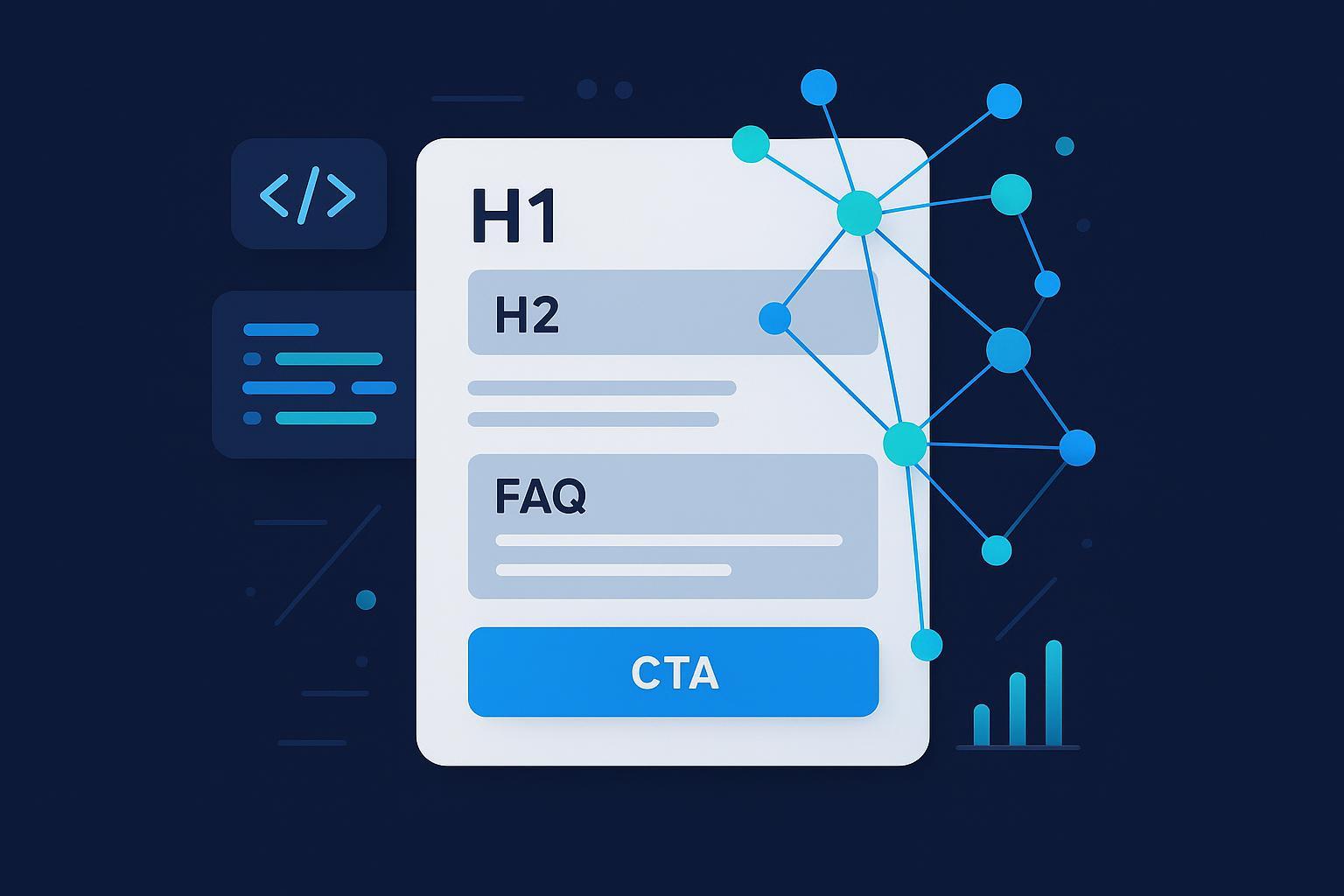
If answer engines can’t parse your landing page, they won’t cite it—and your best pitch never reaches buyers. The goal isn’t to write for robots; it’s to package your offer so machines can extract trustworthy chunks without sacrificing conversion. Here’s a practical build you can ship this week.
What “AI‑readable” means in practice
An AI‑readable landing page exposes its core narrative in server‑rendered, semantic HTML; uses clear sectioning so models can chunk “what/for whom/why”; applies structured data that matches the page’s primary intent; controls what may be excerpted; meets basic accessibility and performance; and is validated and monitored after launch. If you want a wider strategy view, see our explainer on AI visibility—brand exposure in AI search.
Step 1 — Structure for machine chunking
Give models obvious anchors the same way you help a human scan.
- One H1 that states the offer. Use scoped H2/H3s that map to common questions (What is it? Who’s it for? How it works? Pricing? FAQ).
- Place a 50–80 word “answer block” above the fold that plainly states what the product/service is, for whom, the outcome, and how to start. This becomes a high‑value extractable passage.
- Keep one primary intent per page. Don’t bundle unrelated offers; mixed intent dilutes both extraction and conversion.
- Use descriptive link text (“Download pricing guide”) instead of “Read more,” which helps both parsers and screen readers.
Why it helps: Google confirms that eligibility for AI features relies on standard indexing and snippet rules; no special markup is required beyond Search requirements, and snippet controls (nosnippet, max‑snippet, data‑nosnippet) apply the same way to AI features as to regular results, per Google’s “AI features and your website” (2025).
Step 2 — Make critical content renderable
Server‑render the hero copy, key benefits, and any structured data in the initial HTML. If you rely on client‑side rendering for everything, crawlers may miss important content at fetch time. Google’s JavaScript guidance recommends ensuring critical content is available to crawlers and rendered reliably; see Google’s JavaScript SEO basics.
Quick checks: View‑source to confirm your answer block and JSON‑LD exist in the HTML. Load the page with JavaScript disabled; can you still read the core narrative? If not, consider SSR, pre‑rendering, or moving critical copy into the initial HTML.
Step 3 — Add the right structured data (JSON‑LD)
Map schema to your primary intent and include required properties. Use JSON‑LD and place it in the HTML.
Minimal scaffolds you can adapt:
<!-- Organization (sitewide) -->
  <script type="application/ld+json">
  {
    "@context": "https://schema.org",
    "@type": "Organization",
    "name": "Example Inc.",
    "url": "https://www.example.com",
    "logo": "https://www.example.com/logo.png",
    "sameAs": [
      "https://www.linkedin.com/company/example"
    ]
  }
  </script>

  <!-- Product (offer page) -->
  <script type="application/ld+json">
  {
    "@context": "https://schema.org",
    "@type": "Product",
    "name": "Example Product",
    "description": "Short, factual description of what it is and who it’s for.",
    "brand": {"@type": "Brand", "name": "Example"},
    "offers": {
      "@type": "Offer",
      "price": "99.00",
      "priceCurrency": "USD",
      "availability": "https://schema.org/InStock"
    }
  }
  </script>
| Landing page intent | Recommended schema | Notes on eligibility |
|---|---|---|
| Educational explainer landing page | Article or BlogPosting | Eligible for Article rich results when requirements are met; see Google’s Search Gallery and guidelines. |
| Product/offer landing page | Product (+ Organization sitewide) | Product is supported for rich results when properties are complete and content matches the markup. |
| Service landing page | Service (entity clarity), plus Organization | Service helps clarify the entity but isn’t a Google rich result by itself; still valuable for disambiguation. |
| On‑page FAQ section | FAQPage (only if questions/answers are visible on page) | Google has reduced FAQ rich results display; treat as user‑first content, not a visibility hack. |
For eligibility specifics and policies, review Google’s structured data documentation and Search Gallery listings; start with Google’s robots/structured data resources and the Search Gallery/material linked there.
Step 4 — Control excerpts with robots/snippet settings
Use snippet controls to fine‑tune what can be quoted while keeping the page eligible for AI features.
Page‑level controls (robots meta):
<!-- Block all snippets (also removes AI features support link eligibility) -->
  <meta name="robots" content="nosnippet">

  <!-- Limit snippet length across Search and AI features -->
  <meta name="robots" content="max-snippet:120">
Element‑level exclusion (keep the page eligible):
<p>Summary of our service <span data-nosnippet>Confidential pricing table</span>.</p>

  <div class="pricing-grid" data-nosnippet>
    <!-- detailed pricing rows here -->
  </div>
Non‑HTML assets (e.g., PDFs) via headers:
X-Robots-Tag: nosnippet
Per Google’s robots meta tag specs and the AI features page cited earlier, nosnippet disables snippets and therefore supporting‑link eligibility; max‑snippet limits excerpt length; data‑nosnippet excludes marked elements while keeping the page indexable and eligible.
Step 5 — Accessibility and performance that help parsing
Accessibility signals improve clarity for people and machines. Use proper heading order, alt text for meaningful images, descriptive link text, sufficient contrast, and keyboard operability; see the W3C’s overview of WCAG standards and guidelines. On performance, target Core Web Vitals thresholds (LCP < 2.5s; INP < 200 ms). Start with Google’s Core Web Vitals overview.
Practical tips: Preload your hero image and key font files, compress images to AVIF/WebP, defer non‑critical JS, and avoid interstitials that block content on mobile.
Step 6 — Validate before you ship
You need evidence that machines will see what you intend. Run this compact QA before publishing:
- Rendering and headers: View‑source for your answer block and JSON‑LD; test a JS‑disabled render; confirm expected robots meta or X‑Robots‑Tag headers.
- Structured data and indexing: Validate JSON‑LD in Google’s Rich Results Test; ensure the page is indexable and not blocked; confirm canonicals and sitemap inclusion.
- Performance and accessibility: Audit with Lighthouse or PageSpeed; check LCP/INP and basic heading/alt/contrast issues.
Step 7 — Monitor citations and iterate
Google’s product team notes that AI features surface supporting links when pages are indexed and snippet‑eligible; UI can change over time, but eligibility principles remain stable—see the Google Search AI Mode update (2025). Check for citations directly in AI surfaces (Google AI features availability varies by locale), Microsoft Copilot, and leading answer engines.
- Weekly loop: Track a short set of target questions; rerun them in AI surfaces; capture screenshots of any citations and sentiment notes. Compare against Search Console indexing status and your Core Web Vitals. Log changes and update dateModified in your markup when you ship improvements. To operationalize KPIs beyond simple counting, use our guide on AI search KPI frameworks for visibility, sentiment, and conversion.
Disclosure: Geneo is our product. Many teams use it to monitor brand mentions, citations, and sentiment across AI answer engines in one place; use whatever tracking workflow fits your stack.
If your policy requires crawler governance, consult official user‑agent docs. For example, OpenAI provides robots.txt guidance and user agent details in the GPTBot documentation. Apply allow/deny rules precisely and test.
Robots.txt templates to adapt:
# Default‑allow posture, with specific AI crawler blocks
  User-agent: Googlebot
  Allow: /

  User-agent: bingbot
  Allow: /

  User-agent: GPTBot
  Disallow: /
For entity trust and authorship clarity, align your team’s public profiles and site‑level Organization/Person signals. If you’re adapting a company‑wide approach, this playbook on LinkedIn team branding for AI search visibility can help.
Common pitfalls and fast fixes
Missing citations despite good content? Make sure the page is indexed and snippet‑eligible (no nosnippet). Strengthen your above‑the‑fold answer block and clarify entities (Organization markup, author credentials). If sensitive details appear in excerpts, wrap those elements with data‑nosnippet; reserve page‑level nosnippet for rare cases because it removes eligibility for supporting‑link citations in AI features. Client‑side rendering issues? Move the core narrative and JSON‑LD into the initial HTML or add pre‑rendering—this aligns with Google’s guidance on reliable rendering. Weak performance? Focus on image compression, font loading strategy, and deferring non‑critical scripts to meet LCP/INP targets.
Copy/paste essentials
Above‑the‑fold answer block pattern (edit to your offer):
<p><strong>What it is:</strong> [Offer], for [audience], solves [problem] by [mechanism]. In [timeframe], you’ll get [primary outcome]. Includes [key features/assurances]. Transparent pricing and setup — see our FAQ and examples below.</p>
Element‑level guard for sensitive widgets (keep the page eligible):
<section aria-label="Pricing" data-nosnippet>
    <!-- pricing table rows -->
  </section>
Headers that limit excerpting without blocking eligibility entirely:
<meta name="robots" content="max-snippet:120">
What to do this week
- Ship one priority landing page with a clear answer block, correct schema, and SSR/pre‑rendered core content.
- Run the QA above; fix any rendering, snippet, or Core Web Vitals issues; document changes and update dateModified.
- Manually check AI surfaces for your top 3 buyer questions; log citations and iterate. For a broader context on what you’re trying to influence, read our overview of AI visibility in search.
Citations and standards referenced
- Eligibility and controls for AI features: Google’s “AI features and your website” (2025)
- Snippet/robots behavior and tag syntax: Google robots meta tag specs
- Rendering guidance: Google JavaScript SEO basics
- Performance targets: Google Core Web Vitals overview
- Accessibility standards: W3C WCAG overview
- Google product context: Search AI Mode update (2025)
- Crawler governance example: OpenAI GPTBot docs