
How to Analyse AI Search Impressions
Learn how to analyse AI search impressions across Google AI Overviews, Bing Copilot, Perplexity, and ChatGPT with actionable workflows and KPIs.
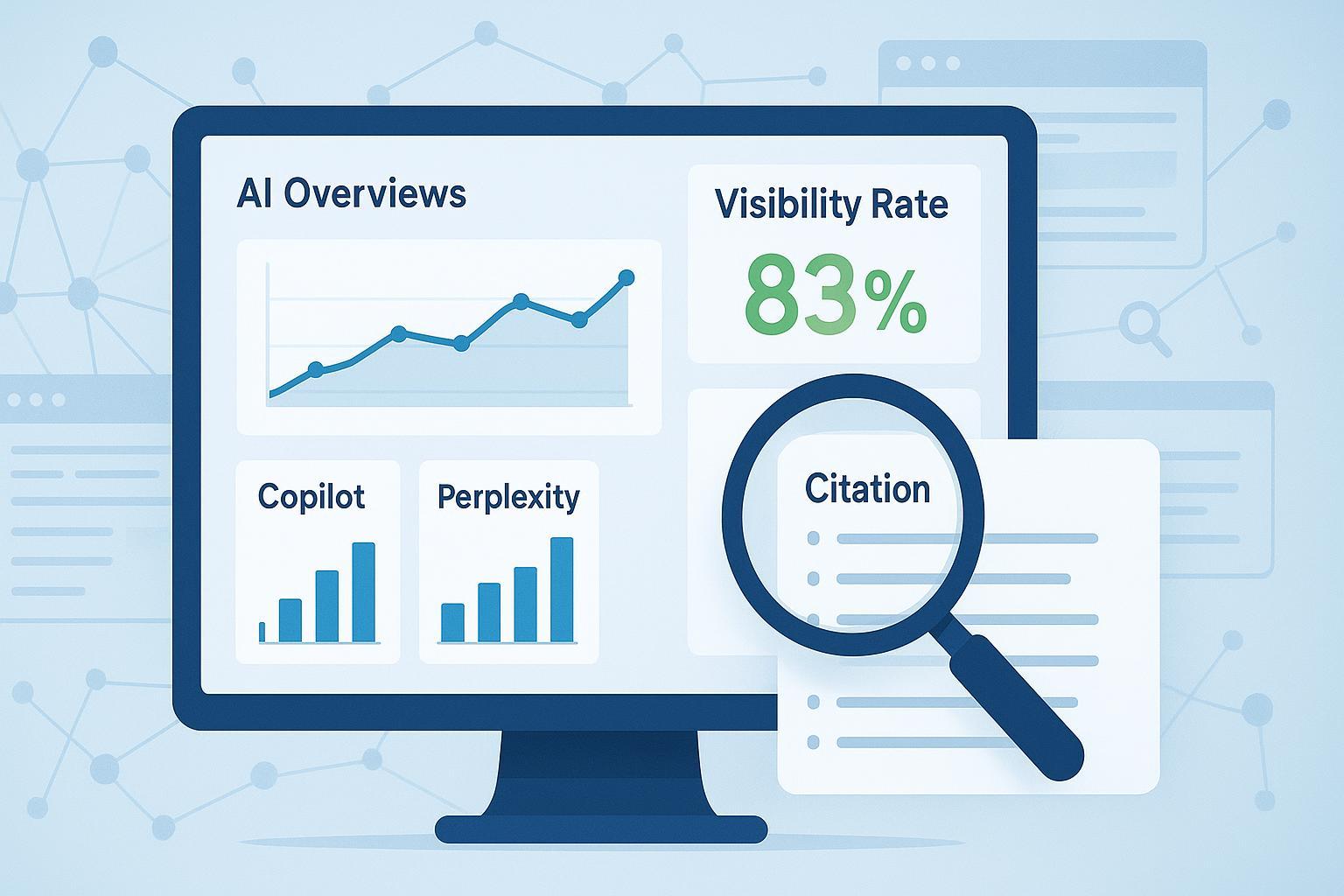
A surge in visibility with fewer clicks. That’s the new reality when AI systems summarize answers before users ever visit your site. This guide shows you how to measure that visibility—what we’ll call AI search impressions—across Google AI Overviews/AI Mode, Bing Copilot, Perplexity, and ChatGPT, then connect those impressions to engagement and business impact.
What counts as an “AI search impression” (and how it differs from SERP impressions)
An AI search impression occurs when your brand or content is displayed, cited, or linked inside an AI-generated answer—whether or not a user clicks through. Examples include your page linked in a Google AI Overview or AI Mode block, your domain cited in a Bing Copilot, Perplexity, or ChatGPT response, or your brand named as a referenced source without a live link.
This differs from a traditional organic SERP impression, which historically counted when a listing was rendered on a results page. In AI search, the “unit” is the synthesized answer panel that grounds itself in sources. Google notes that AI features surface links to help people “dig deeper” and can fan out to a wider set of sources in AI Mode (Google Search Central: AI features). Because the AI panel can appear alongside your organic result, impression and click trends can decouple.
Want a broader backdrop on the concept? See our explainer on AI visibility and brand exposure in AI search.
Quick glossary
- Share-of-answer: Your share of citations among all sources an engine lists for a query set.
- Citation: A linked source surfaced in an AI answer.
- Mention: A reference to your brand/domain without a link.
- Zero-click: A session where the answer satisfies intent without a click; AI features increase this pattern.
Why impressions rise while clicks fall
Multiple 2024–2025 analyses observe impressions climbing while clicks drop when AI answer panels appear. For example, one field report found impressions up while clicks fell around 30% when AI Overviews were present, urging marketers to evaluate visibility as a separate success signal (Hire a Writer, 2025). Ahrefs similarly measured fewer clicks to top results when AI Overviews were active (Ahrefs, 2024). Search Engine Land cautions that methodologies vary, so treat numbers as directional, not absolute (Search Engine Land, 2025).
The takeaway: track AI search impressions directly and triangulate with engagement, assisted conversions, and brand-demand lift. Otherwise, “less traffic” may mask stable or rising upstream visibility.
Step 1: Set up GA4 to classify AI referral traffic
Your analytics needs a home for AI-sourced sessions. In GA4, create a custom channel for “AI Traffic” and route known AI referrers there. Then validate, monitor, and note the caveats.
Add a custom channel group
- Admin > Data Settings > Channel groups > Create channel group
- Add a channel named “AI Traffic” above Referral
- Matching condition: Session source or Session source/medium matches regex
Use tested regex patterns
| Pattern | Regex (escape dots) | Notes | ||||||||
|---|---|---|---|---|---|---|---|---|---|---|
| Core | ^.*(chatgpt.com | gemini.google.com | openai.com | perplexity.ai | copilot.microsoft.com).*$ | Captures common AI answer engines where referrers are often preserved | ||||
| Extended | ^.*(chatgpt.com | openai.com | perplexity.ai | copilot.microsoft.com | gemini.google.com | bard.google.com | claude.ai | you.com | meta.ai).*$ | Expand per your monitoring scope |
Validate in Reports
- Reports > Acquisition > Traffic acquisition
- Add the dimension Session source/medium; expect to see “perplexity.ai / referral,” “copilot.microsoft.com / referral,” and occasionally “chatgpt.com / referral.”
Know the limitations (and fix what you can)
- Not every AI click passes a referrer, so some AI-driven visits will land in Direct. Practitioner guides on identifying AI referrals underscore the gap and provide regex/channel tips (Slidebeast, 2025).
- Maintain UTM governance for any links you control that may flow through AI tools to reduce unassigned traffic.
- Keep the “AI Traffic” channel above Referral in your group so it doesn’t get swallowed by generic rules.
- Be mindful of attribution quirks and fixes in 2025-era AI features (e.g., Google addressed an AI Mode attribution issue in May 2025 per Search Engine Journal, 2025).
You can sanity-check setup by asking: do you see AI referrers grouped under AI Traffic, and do Direct spikes correlate with changes in your visibility logs (Step 2)? If not, review tagging, redirects, and channel rule order.
Step 2: Build your prompt set and log AI visibility
You can’t manage what you don’t measure. Create a reproducible prompt set, run checks across engines, and log whether you appear, how you’re cited, and how that changes over time. What’s the smallest test that still gives you signal? A 10–20 query pilot usually surfaces patterns within two weeks.
How to pick and structure your prompts
- Start with 50–200 queries across your core topics: commercial, informational, comparison, and how-to.
- Use consistent templates per intent to reduce variance (e.g., “best [category] for [audience],” “what is [topic],” “alternatives to [brand]”).
- Normalize variables like location and context. Run checks in “cold” sessions (clear history or use incognito/new chat), and note your conditions.
What to log per query per engine
- Date/time; engine (Google AI Overviews/AI Mode, Bing Copilot, Perplexity, ChatGPT)
- Prompt text and any parameters (location, language)
- Presence (Y/N), citation type (linked/unlinked), link URL(s)
- Position in the answer (top/inline/footer)
- Sentiment/tone toward your brand
- Competitor domains cited
- Screenshot URL and notes (e.g., “answer switched sources,” “new model update”)
How to compute core metrics
- Visibility rate = appearances ÷ total checks per engine and time range; Share-of-answer = your citations ÷ total citations among tracked entities; Sentiment distribution = % positive/neutral/negative mentions. Keep the math simple and trend it.
Cadence and QA
- Weekly rechecks for volatile topics; monthly for stable categories. AI answers change—sometimes dramatically—so consistent logging is essential (Bounteous, 2025 and Schema App, 2025).
- Standardize screenshot naming, store them in a shared folder, and hash files if you need tamper-evidence.
- Use the logs to annotate your analytics timeline (content releases, PR hits, platform updates). You can also explore our glossary of new terms in this brief acronym explainer.
Practical example: Cross-engine tracking with Geneo
Disclosure: Geneo is our product.
Here’s a small, reproducible workflow that teams use to make this tangible:
- Build a 10-query starter set across one product category.
- Each week, check the four engines (Google AI Overviews/AI Mode, Bing Copilot, Perplexity, ChatGPT) in a cold context.
- In your tracker, mark presence, citation type (linked/unlinked), cited URLs, and sentiment. Add screenshots.
- Use the tool to aggregate a visibility rate and share-of-answer over time, and export a simple trend chart.
- Annotate visible changes (new content published, a press mention, a spec update) directly on the chart to aid stakeholder readouts.
This helps you compare where you’re cited, see when a model swaps sources, and correlate those shifts with your content and PR activity. It’s not about replacing GA4 or GSC; it complements them with a reliable “answer-layer” log.
KPIs and a lightweight reporting framework
Focus on a few metrics that summarize visibility and connect to outcomes: visibility rate (percent of prompts where you appear), citation share (your citations divided by total citations among tracked entities), sentiment (distribution of positive/neutral/negative mentions), AI-sourced session engagement (engaged sessions, events/session, time-based metrics for the AI Traffic channel), assisted conversions (conversions that AI-sourced sessions touched—Bing’s webmaster perspective suggests viewing conversions across AI touchpoints rather than last-click alone: Bing Webmaster blog, 2025), and branded demand lift (changes in branded search volume or direct/organic brand traffic that correlate with visibility gains). For measurement structures, see our guide to AI search KPI frameworks.
For the executive readout, summarize visibility rate, citation share versus top competitors, and sentiment in one panel, then keep a short appendix with query-level logs, engine breakdowns, citation types, positions, and screenshots. Search Engine Land has outlined practical segmentation approaches that align with this view (Search Engine Land, 2024).
Troubleshooting and edge cases
AI traffic shows up as Direct in GA4
- Why it happens: Some AI tools strip referrers or use flows that don’t pass source data. Expect partial blind spots.
- What to do: Confirm your AI Traffic channel priority and regex; validate session source/medium in Acquisition reports; and check tagging/redirect consistency. Practitioner guides provide detection tips and caveats (Slidebeast, 2025).
- Corroborate: Compare Direct swings to changes in your visibility logs. If your brand starts appearing more in Perplexity or Copilot, a Direct bump might be partially AI-driven.
Sudden drop in citations/mentions
- Possible causes: Answer volatility, fresher competitor content, structured data gaps, or crawling/indexing issues.
- Fixes: Recheck in cold sessions; refresh content and structured data; ensure crawlability; and review entity signals and E-E-A-T cues. Schema App’s guidance offers practical steps (Schema App, 2025).
- Cross-check: Look across engines. If only one engine drops you, it may be a model or UI change. If many do, look at your content and site health.
Inconsistent results across checks (volatility)
- Why it happens: Rapid model updates, personalization, and prompt sensitivity.
- What to do: Standardize prompts; clear chat histories; increase sample size; and align on weekly/monthly sampling windows. Document everything.
GSC note: There’s no dedicated report for AI Overviews/AI Mode in Google Search Console as of late 2024; experiments suggest only indirect signals are visible (Brodie Clark, 2024). Treat GSC as complementary context, not a source of AI impression counts.
Advanced options (optional)
- Server logs: Inspect referrers and user agents to corroborate GA4 findings; you may catch additional Copilot/Perplexity patterns here.
- Automation: Script scheduled prompt checks and store results for trend analysis; consider APIs or headless browsers for consistent, cold sessions. Ahrefs compared source overlap across engines, which can inform your sampling choices (Ahrefs, 2025).
- Entity reinforcement: Strengthen off-site signals (e.g., author/entity profiles) that often correlate with being cited. For tactics, see our piece on team branding for AI search visibility.
Next steps
Adopt the two-track measurement setup: GA4 attribution for what you can capture, and a disciplined visibility log for what you can’t. Pilot it with a 10-query set, then scale to your core topics. If you want a ready-made way to track cross-engine citations and sentiment, try that workflow in Geneo on a limited scope first, then roll it out team-wide.
And if you build this system, you’ll have a clear answer the next time someone asks: “We’re seeing fewer clicks—are we still visible?”