
Global Expansion Optimization (GEO) for Shopify App Developers: 2025 Best Practices
Discover actionable 2025 best practices for Shopify app developers on global expansion—covering Markets API, localization, multi-currency, compliance, and performance.
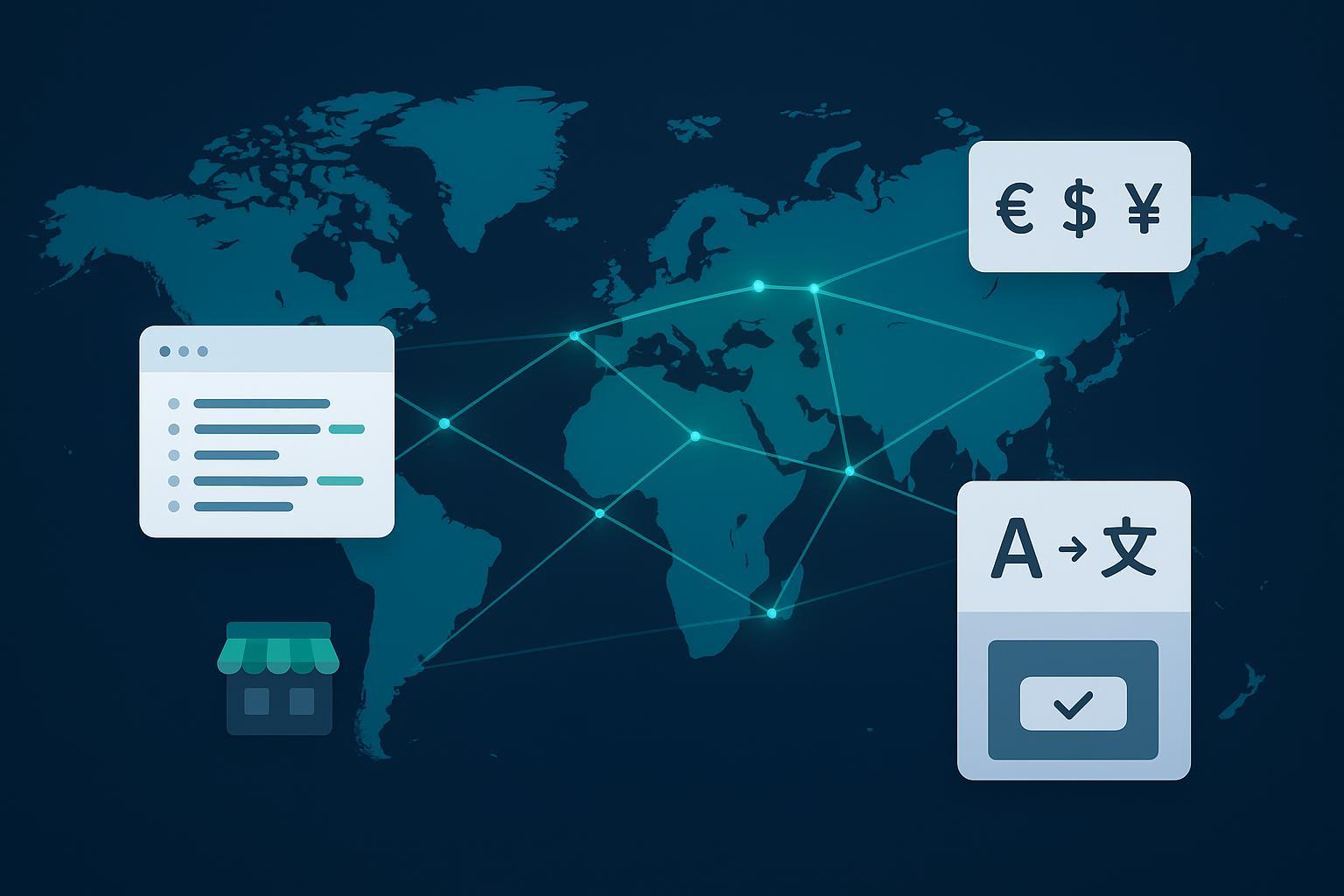
GEO isn’t just a merchant configuration anymore—it’s an app concern. In 2025, Shopify’s new Markets experience ships with compatibility requirements that affect how your app reads and writes market data. Shops installing incompatible apps now see warnings, and apps that haven’t upgraded to Admin API 2025-04+ risk breaking key flows. Shopify outlined the rollout timeline and compatibility details in the developer community, including the install warning behavior and July 1, 2025 access milestone, in the release note on the new Markets experience and API changes; see the developer community announcement under “Release of the new Shopify Markets” for specifics: the post describes the 2025-04 requirement and install warnings for incompatible apps. You can also review merchant eligibility rules for the new Markets experience in Shopify’s official documentation.
- Announcement reference: the developer community post “Release of the new Shopify Markets: changes to the Markets and Catalogs APIs” describes the 2025-04 requirement and install warnings for incompatible apps. Read the details in the Shopify developer community post on the new Markets rollout: Release of the new Shopify Markets: changes to the Markets and Catalogs APIs.
- Merchant eligibility docs: Shopify documents which shops can access the new Markets experience and how to check eligibility: Merchant eligibility for the new Markets.
1) Choose target markets with developer-ready signals
Analytics matter, but your app roadmap should also weigh technical feasibility. Prioritize markets where:
- Shopify Payments or a supported gateway covers the dominant local payment methods.
- Your app can meet privacy and data transfer requirements without bespoke hosting.
- Needed languages can be translated and QA’d at a sustainable cadence.
- Latency budgets are achievable with CDN/edge strategy.
A quick way to align localization effort with business value is to pick the approach that matches your complexity and volume.
| Localization approach | When to use | Notes |
|---|---|---|
| UI i18n only (static strings) | Early MVP or low-content apps | Keep copy in message catalogs; ship locale fallbacks |
| Translations API + MT (machine translation) | Fast coverage for long-tail locales | Add review gates; don’t ship raw MT for critical UX |
| Translations API + professional translators | High-value locales with brand voice needs | Build translation jobs and regressions into CI |
| Hybrid (MT-first, human-edit) | Medium–high volume content with deadlines | Track untranslated/changed digests to re-queue |
2) Architecture: Update for the new Shopify Markets
Treat Markets as a first-class resource in your app. At minimum:
- Ensure your app targets Admin API 2025-04+ when touching Markets/Catalogs data.
- Detect whether a shop is on the new Markets experience before calling mutations.
- Cache Markets and locales per shop; refresh on webhook events.
A simple discovery query (Admin GraphQL) can help bootstrap your app’s per-market model.
# Admin GraphQL (2025-04+). Inspect markets and storefront locales.
  query AppMarketsBootstrap($first: Int = 50) {
    shop {
      id
      primaryDomain { host }
      enabledPresentmentCurrencies
    }
    markets(first: $first) {
      nodes {
        id
        name
        enabled
        webPresence { url }
        regions { countryCode }
        locales
        priceList { id name }
      }
    }
  }
If you support market creation or updates, read the shop’s eligibility state first and gate mutations accordingly using the official eligibility guidance: Merchant eligibility for the new Markets.
3) Localization that scales: Translations API and digest safety
The Translations API lets you register source content and write translations across resources. In 2025-10, Shopify added image ALT text as a translatable field—useful for accessibility and SEO. The change is noted in Shopify’s official changelog under “Mark image alt text as translatable.”
- Changelog reference: See Shopify’s note “Mark image alt text as translatable (2025-10)” for supported fields: Mark image alt text as translatable.
Two patterns matter for stability:
- Always read the translatable content digest (Shopify uses it to validate that your registered source matches what’s live). If the digest changed, re-register before creating translations.
- Maintain a queue keyed by resource + field + locale so you can retry failed writes without duplication.
Skeleton flow for registering and creating translations:
# 1) Read translatable content (get digest)
  query ProductDigest($id: ID!) {
    translatableResource(resourceId: $id) {
      resourceId
      ... on Product { id title descriptionHtml }
      translations { locale key value outdated }
      translatableContentDigest
    }
  }

  # 2) Register source content (if digest changed)
  mutation RegisterSources($resourceId: ID!, $content: [TranslationsRegisterInput!]!) {
    translationsRegister(resourceId: $resourceId, translations: $content) {
      userErrors { field message }
    }
  }

  # 3) Create/update translations
  mutation WriteTranslations($resourceId: ID!, $translations: [TranslationsInput!]!) {
    translationsCreate(resourceId: $resourceId, translations: $translations) {
      userErrors { field message }
    }
  }
Tip: include ALT text fields for media in your translation jobs post-2025-10.
4) Multi-currency pricing that merchants trust
For consistency from storefront display to payouts, prefer Shopify Payments paired with Markets. Shopify’s enterprise resources explain how native multi-currency ensures automatic conversion, currency-specific rounding, and cleaner reconciliation across the stack; see Shopify’s enterprise guidance on multi-currency pricing and international ecommerce strategy for the product-wide framing: Shopify’s enterprise guide to multi-currency commerce.
Decide early whether a market gets fixed price lists (psychological price points, margin control) or live-rate conversion (speed to market, less ops overhead). Whatever you choose, be explicit in your UI about currency, rounding rules, and where conversions happen. If a merchant uses a third‑party gateway, document how presentment currency differs from charged currency and test refunds/partial refunds thoroughly.
Implementation notes for your app logic:
- Read both shopMoney and presentmentMoney (money sets) for orders and transactions.
- Surface presentment currency on invoices and receipts your app generates.
- Keep a single function for currency rounding so cart, line items, taxes, and shipping totals stay aligned.
5) Taxes, duties, and compliance without the fire drill
Global rollout fails fast when landed costs and disclosures aren’t predictable. Shopify’s Managed Markets (formerly Markets Pro) runs a merchant-of-record model handling international payments, duties, and customs. In 2025, Shopify also enabled duty‑inclusive pricing for Managed Markets merchants with the one‑page checkout, announced in Shopify’s changelog: Duty‑inclusive pricing available to Managed Markets merchants.
What your app can do:
- Require complete customs data on products you touch: HS codes, country of origin, and declared values.
- Pass duty/tax lines where appropriate and make totals transparent in any UI your app renders.
- Store VAT/IOSS identifiers and validate the presence of tax IDs in regulated markets.
If merchants choose not to use Managed Markets, provide checklists and guardrails for tax calculation differences, label generation, and return workflows.
6) Performance for a global audience
Performance is the silent killer of international adoption. Keep responses lean, cache aggressively, and push light logic to the edge. Shopify engineering’s BFCM readiness guidance outlines how they prepare at scale—principles you can mirror in app architecture: batching queries, trimming payloads, and shaping cache keys for locale and currency. For a deeper look at how Shopify approaches high‑load seasons and what patterns translate to partners, see Shopify Engineering’s overview of BFCM readiness and performance practices: Shopify Engineering on BFCM readiness and performance.
Practical actions you can ship this sprint:
- Persist and batch GraphQL queries; avoid chatty n+1 fetches.
- Use CDN cache keys that vary by market/locale/currency; invalidate via webhooks.
- Push trivial personalization (like locale detection) to edge functions; keep origin renders deterministic.
- Consider Hydrogen/Oxygen for headless surfaces that need global edge hosting and fast SSR.
7) Onboarding and measurement
Launch checklists reduce surprises and support repeatable quality across markets.
- Verify Markets eligibility and ensure Admin API 2025-04+ for all Markets mutations your app calls.
- Preload locales and presentment currencies; run translation jobs and image ALT coverage.
- Simulate checkout flows with fixed price lists and live-rate conversion; confirm rounding parity in totals.
- Validate HS codes/origin/value on products your app touches; confirm VAT/IOSS presence where applicable.
- Run latency tests from target GEOs and record baseline Core Web Vitals.
- Add webhooks for Markets changes, price list updates, and locale additions; confirm idempotent handlers.
Measurement shouldn’t stop at installs. Track activation, feature adoption, and conversion by market. Also monitor how AI answers surface your brand and documentation globally. Disclosure: the following is our product. For centralized tracking of AI-generated answers (ChatGPT, Perplexity, Google AI Overview) that mention or cite your app across regions, a platform like Geneo can help with monitoring and sentiment analysis; see a practical overview in this guide on optimizing for AI citations: Optimize content for AI citations and generative search visibility.
Putting it all together
Think of GEO like upgrading your app’s operating system. You’ll choose the markets where your technical constraints fit, wire in the new Markets model, make translations and pricing deterministic, harden compliance fields, and keep performance tight at the edge. Ship the first two target locales, measure what changes in activation and conversion, and iterate. The sooner you build these paths into your app, the sooner your next market launch becomes just another CI job—fast, boring, and profitable.