
Ultimate Guide to Generative Engine Optimization for Consumer Apps
Master Generative Engine Optimization for consumer apps—boost AI discovery, citations, and installs with trusted, actionable GEO strategies. Start optimizing now!
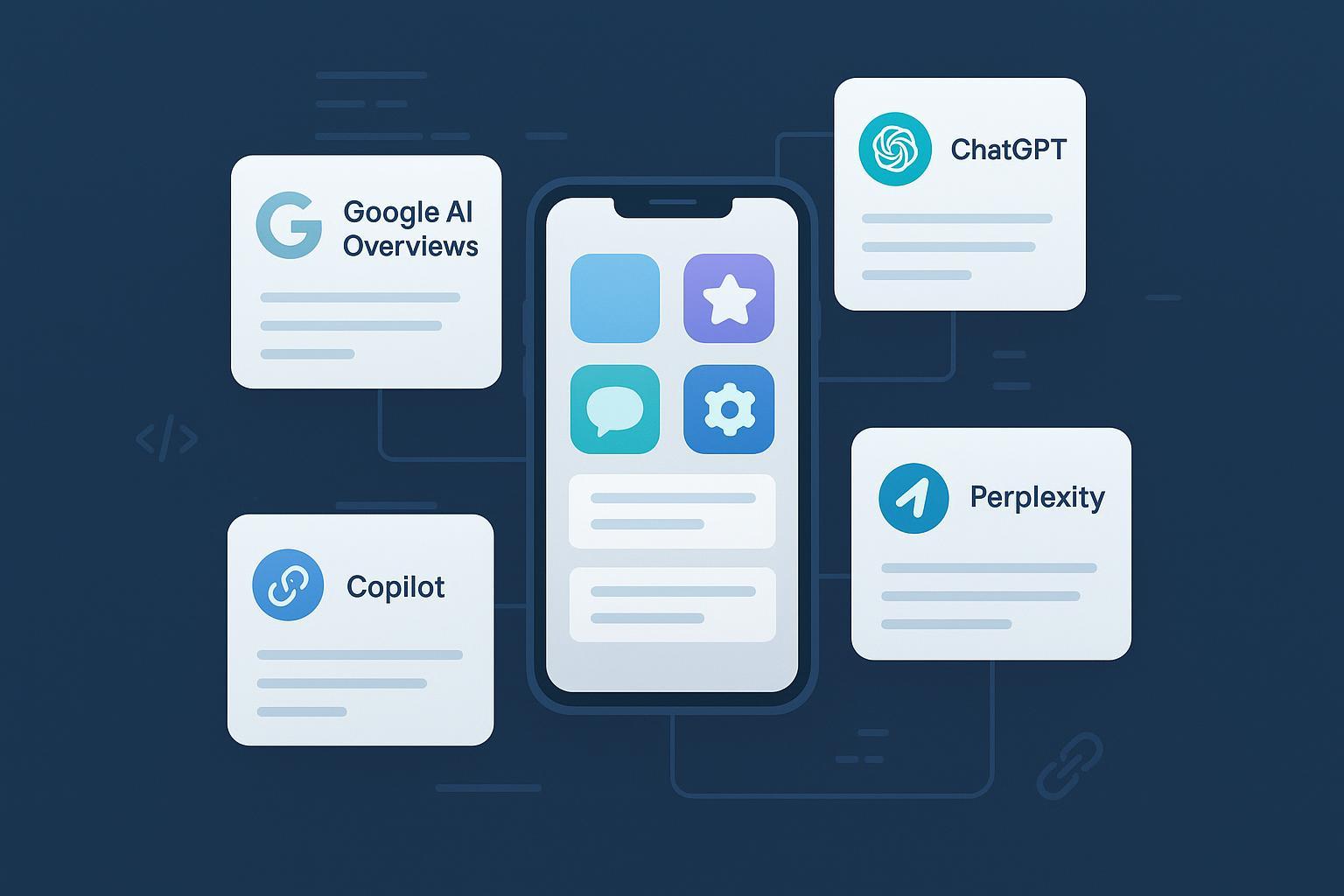
If your pipeline depends on “best apps for X” lists, you can’t ignore how AI answer engines now shape discovery. GEO—Generative Engine Optimization—helps your app get accurately cited and recommended in synthesized answers from Google AI Overviews, ChatGPT, Perplexity, and Bing Copilot. Think of GEO as the bridge between SEO and ASO: you still need crawlable, authoritative content, but you’re optimizing for inclusion, citations, and sentiment in answers—not just blue links.
What GEO Means for Consumer Apps (and how it differs from SEO and ASO)
GEO is the practice of making your brand and app easy for AI systems to understand, cite, and recommend. It complements SEO (organic rankings) and ASO (store listing performance) by focusing on inclusion in synthesized answers, with clean entities, extraction‑ready content, and evidence signals.
To ground the terminology, see this primer on AI visibility and KPIs: What Is AI Visibility? Brand Exposure in AI Search Explained.
| Dimension | GEO | SEO | ASO |
|---|---|---|---|
| Primary goal | Inclusion and accurate citations in AI answers | Organic rankings and search traffic | Store listing views and conversion |
| Surfaces | Google AI Overviews, ChatGPT/SearchGPT, Perplexity, Bing Copilot | Google/Bing web SERPs | Apple App Store, Google Play |
| Core assets | Entity clarity, extraction‑friendly pages, authoritative evidence | Indexable pages, search‑aligned content, technical health | Metadata (title, subtitle, description), screenshots, previews |
| Key KPIs | Inclusion rate, citation count, sentiment, assisted installs | Impressions, clicks, rankings, conversions | Store conversion rate, installs, CPP/PPO lift |
How AI Answer Engines Actually Choose and Cite Sources
Google’s AI Overviews synthesize answers from multiple web sources and include link‑outs to the underlying pages. Google’s site‑owner documentation explains that AI features aim to help users get “the gist” and provide jumping‑off links to learn more, while product communications in 2024 describe Gemini working with Search systems to produce concise overviews with links to sources. See Google Search Central’s AI features and your website and Google’s 2024 product announcement in Generative AI in Search. For behavioral context, independent explainers such as Ahrefs’ overview of AI Overviews summarize how citations appear and vary.
Outside Google, engines differ in how they present sources and recommendations:
- ChatGPT/SearchGPT (OpenAI) can search the web and return timely answers with links to relevant sources; see OpenAI’s “Introducing ChatGPT search” (2025) for design intent.
- Perplexity foregrounds retrieval with explicit inline citations and links to the pages used in answers.
- Bing Copilot uses Bing’s retrieval pipeline and shows clickable source cards; Microsoft outlines Copilot’s retrieval and grounding patterns across product docs such as What is Copilot?.
Independent audits note that citation behavior can vary by engine and prompt style; for example, journalism from 2024 found inconsistencies and concentration patterns across different AI search products. See the Tow Center’s analysis: “We compared eight AI search engines — they’re all bad at citing news”.
For a practical monitoring comparison across engines, review ChatGPT vs Perplexity vs Gemini vs Bing: AI Search Monitoring Comparison.
Foundations: Make Your App an Unambiguous Entity
Entity hygiene means the app’s name, publisher, platforms (iOS/Android), and category are consistent everywhere: website, App Store, Google Play, social profiles, and knowledge panels. Use “sameAs” links on your site’s app pages to point to official store listings and authoritative profiles to reduce ambiguity.
Structured data: implement JSON‑LD on your app landing page with SoftwareApplication as the core:
- Required signals: name, applicationCategory, operatingSystem; offers (priceCurrency, price) if relevant; publisher; sameAs linking to App Store and Play pages.
- Social proof:
aggregateRating(ratingValue, ratingCount) when authentic;Reviewfor individual references. - Features: model as
additionalProperty(PropertyValue) rather than inventing non‑standard schema. - Support content: add
FAQPagefor pricing/platform questions andHowTofor onboarding steps.
Validate with Google’s Rich Results Test; keep canonical URLs and store links present. For schema vocabulary overviews, reference expert primers like Conductor’s academy and schema.org documentation.
Extraction‑friendly content blocks help assistants pull the right facts:
- Concise answers (35–60 words) to common queries like “Is [App] good for [use case]?”
- Small tables summarizing plans, platforms, or feature availability.
- Clear citations to authoritative sources (your docs, recognized reviews, standards) to anchor claims.
Bridge Web ↔ Stores and Deep Links That Actually Resolve
Align messaging across web pages and store listings. Apple’s App Store Connect supports Custom Product Pages (CPP) and Product Page Optimization (PPO) with unique URLs that you can route from web content and campaigns; see Apple’s official docs: Product Page Optimization. Google Play provides store listing experiments and policies requiring accurate metadata and deep linking.
Deep linking makes web‑to‑app flows seamless after install:
- iOS Universal Links require hosting an Apple App Site Association (AASA) file at
/.well-known/apple-app-site-associationover HTTPS, plus Associated Domains entitlements (e.g.,applinks:example.com). Ensure correct Team ID and bundle ID, JSON syntax, and MIME type (application/json). Authoritative reference: Apple’s Universal Links overview, with practical guides such as Expo’s docs. - Android App Links require intent filters with
android:autoVerify="true", anassetlinks.jsonat/.well-known/assetlinks.jsonwith package name and SHA‑256 cert fingerprint, and proper host/path declarations. Use Android Studio’s App Links Assistant and verify all hosts. See Android App Links overview and Google’s Digital Asset Links guide.
The 80/20 GEO Plan for Consumer Apps
Start with five intents that repeatedly drive app recommendations:
- “Best [category] apps” (e.g., best budgeting apps)
- “[category] app alternatives” (e.g., Notion alternatives)
- “How to choose a [category] app”
- “Is [brand] good for [use case]?”
- “[category] apps with [feature]”
Build three extraction‑ready pages that map to these intents:
- A category comparison page with a compact table (your app + credible competitors), concise 35–60 word summaries, and links to sources.
- An alternatives page that names conditions when your app is or isn’t a fit, with evidence and clear trade‑offs.
- A how‑to or buying‑guide page explaining selection criteria and onboarding steps, using
HowToschema.
Connect each page to your iOS/Android store listings and deep links. Establish a weekly monitoring cadence to track inclusion and citations across engines, and refresh priority pages monthly with new evidence or clarifications.
Measurement: From Citations to Installs
Your GEO measurement stack should tie assistant citations to store‑level outcomes.
KPI layers and taxonomy:
- Visibility: inclusion rate in AI Overviews and assistants; citation count per engine.
- Quality: sentiment distribution of mentions; accuracy/faithfulness of cited facts.
- Outcomes: assisted store views, store conversion rate from assistant‑sourced traffic, assisted installs.
For KPI definitions and evaluation dimensions, see LLMO Metrics: Measure Accuracy, Relevance, Personalization and audience behavior context in AI Search User Behavior 2025.
Instrumentation patterns:
- Server‑side logging of citation events (query + engine + URL + timestamp), plus unique tokens or parameters for trackable links.
- UTM parameters and deep link routing to attribute assistant clicks.
- Android Install Referrer for deterministic attribution; join with Play Console metrics.
- Use randomized holdouts or uplift modeling when claiming causal impact on installs; for a strategy perspective, see MIT Sloan Management Review’s project on enhancing KPIs with AI.
Practical Workflow Example (With Tools)
Disclosure: Geneo is our product.
A weekly routine you can replicate with any stack:
- Track five priority intents (“best [category] apps”…). Log whether your app is included in AIO, ChatGPT/SearchGPT, Perplexity, and Copilot answers; capture the exact citations and sentiment.
- Review extraction‑ready pages for freshness: update tables, FAQs, and schema with new data (ratings, pricing, platform changes).
- Check deep link health: verify Universal Links/App Links resolution paths and store listing alignment; fix mismatches.
- Record KPI changes: inclusion rate per engine, citation count, sentiment distribution, assisted store views/installs.
Using Geneo as an example, teams can centralize weekly inclusion and citation logs, annotate sentiment from AI answers, and compare history across engines. Alternatives include using Search Console for web coverage, AppTweak for ASO analytics, or a lightweight spreadsheet plus manual engine checks. Keep parity and avoid over‑attributing; the aim is consistent visibility tracking.
Risks, Pitfalls, and Guardrails
- Zero‑click answers can reduce traditional organic clicks. Pivot measurement toward inclusion, citations, and assisted outcomes, and keep diverse content formats. Industry coverage in 2024–2025 notes rising reliance on AI summaries.
- Hallucinations or outdated facts harm trust. Publish authoritative, up‑to‑date sources, and design internal QA to flag errors. Microsoft’s practitioner guidance outlines techniques for reducing hallucinations in LLM outputs; see Best practices for mitigating hallucinations in LLMs.
- Brand safety and consistency: mismatch between web and store metadata can lead to misrepresentation. Keep facts unified across properties and refresh on a cadence.
- Privacy and compliance: ensure training/grounding content excludes personal data and follows platform policies.
- Platform volatility: UI and selection behavior change frequently. Track multi‑engine visibility, run small experiments, and maintain SEO/ASO fundamentals.
What to Do Next
A 30‑day plan to kickstart GEO for your app:
- Week 1: Choose five intents and audit your entity hygiene; implement baseline
SoftwareApplication,FAQPage, andHowToschema. - Week 2: Build or refactor three extraction‑ready pages; align web ↔ store metadata; set up Universal Links/App Links.
- Week 3: Start weekly monitoring across AIO and assistants; instrument UTMs/deep links; log citations and sentiment.
- Week 4: Refresh pages with new evidence; run a small store listing experiment (CPP/PPO or Play), and document outcomes.
If you want a centralized place to track multi‑engine citations and sentiment while your team iterates, you can evaluate Geneo alongside existing analytics. Keep your stack simple; the habit of weekly measurement is what compounds.