

AIO monitoring cadence: daily vs weekly, alerts that matter
Choose daily vs weekly AIO monitoring with thresholds, coverage sizing, and alert tuning that avoids alert fatigue.
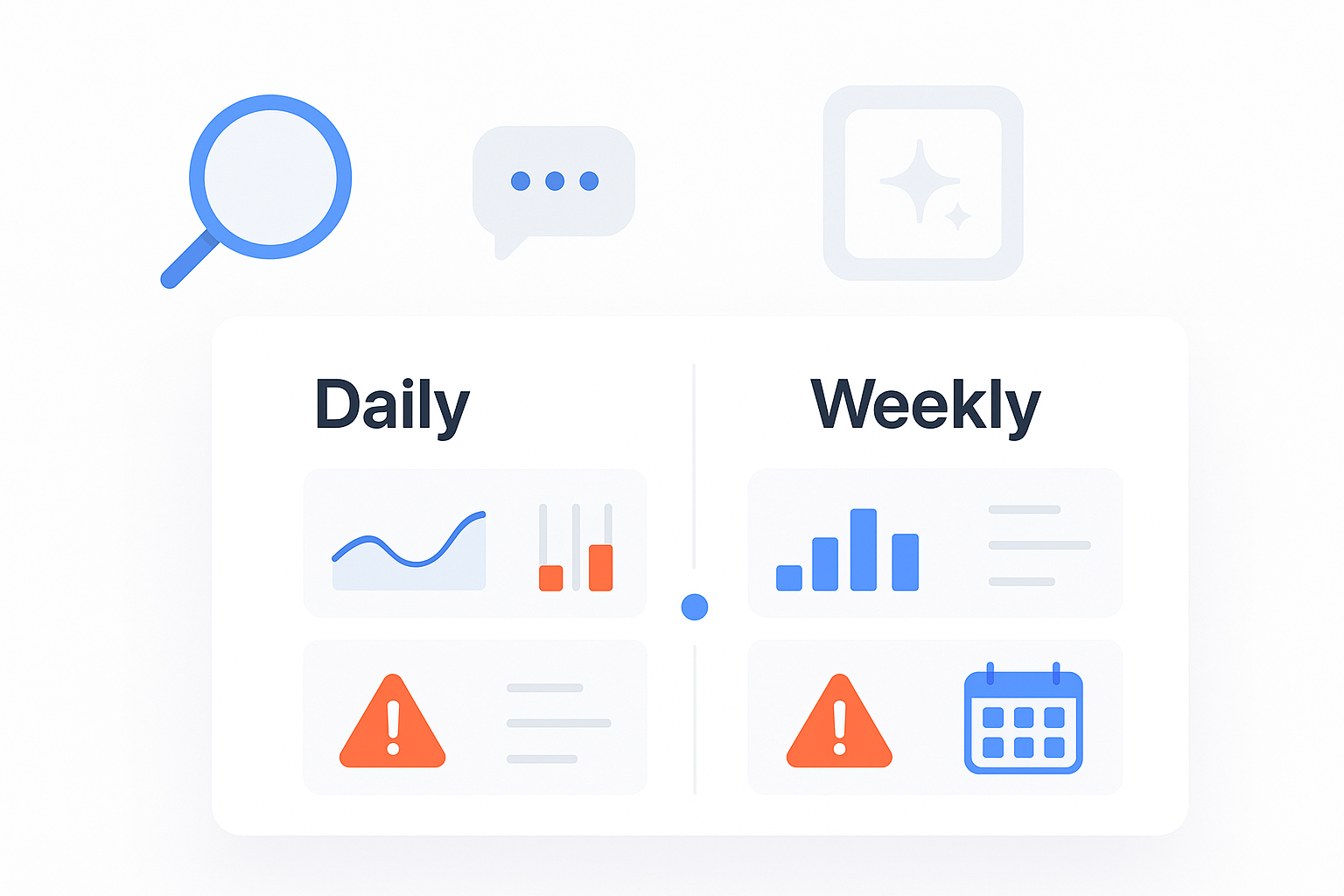
AIO monitoring is weirdly binary: either you’re checking often enough to catch meaningful shifts, or you’re “monitoring” in name only.
But checking everything daily is how teams burn out—and checking weekly is how problems become “we should’ve seen this coming.”
This post gives you a practical way to choose a cadence (daily vs weekly), right-size coverage, and tune alerts so they’re actually useful.
AIO monitoring cadence: when daily beats weekly (and vice versa)
Pick daily when the cost of being wrong is high and changes are frequent. Pick weekly when volatility is lower and the action you’d take is slower anyway.
Situation | Recommended cadence | Why |
|---|---|---|
You’re in a visible category (lots of “best X for Y” queries) | Daily for a small set | High reputational and pipeline risk from sudden answer changes |
You’re running campaigns meant to change AI answers (new content, PR, launches) | Daily during active windows | Fast feedback loops help you fix what’s not landing |
Leadership asks “are we being recommended in AI answers?” | Weekly baseline + daily exceptions | Weekly shows trend; daily catches brand-risk issues |
You have a 2–8 person marketing team and limited ops capacity | Weekly by default | Protect focus; use alerts to handle exceptions |
Reputation risk is high (reviews, complaints, high-stakes positioning) | Daily for risk alerts | Negative framing needs a faster response loop |
Pro Tip: If you’re unsure, start weekly and add a daily lane for only the highest-risk prompts and alerts. You’ll get most of the benefit without the overhead.
What to monitor (and what not to)
A good monitoring program tracks outcomes, not every possible signal.
Google’s alerting guidance includes a principle that translates well here: alert less, and focus on what users experience—not every underlying metric. That’s the idea behind symptom-based alerting.
Translate that to AI Overviews monitoring and answer engines:
Monitor outcomes (alerts that deserve attention)
These are the alerts that matter because they imply you should do something within 24–72 hours.
Brand mention disappears on a high-value prompt (or a prompt cluster)
Competitor replaces you in recommendations (especially on “best” and “top” prompts)
Negative sentiment appears or spikes in an answer prospects are likely to see
Your domain stops being cited (even if your brand name still appears)
Answer intent shifts (from “compare” to “avoid,” or from “recommended” to “risky”)
Don’t alert on raw noise
Single-prompt fluctuations (unless it’s a money prompt)
Minor rewording that doesn’t change meaning
Small deltas without a clear next action
If an alert doesn’t lead to a next step, it belongs in a weekly review—not your inbox.
Best practice 1: Define severity tiers (so daily doesn’t become chaos)
Why this matters
Cadence is really about human attention. If every alert feels urgent, you train your team to ignore all of them—classic alert fatigue.
Most monitoring disciplines solve this with severity levels and routing (paging vs dashboards). That’s a common recommendation in alert fatigue guidance, including Icinga’s overview of prioritizing alerts by severity to reduce alert fatigue.
How to implement
Use three levels—keep it boring and consistent:
P1 (Act within 24 hours)
Negative sentiment spike on high-visibility prompts
Brand removed from “best X” recommendation prompts
Citation removed for your highest-converting pages
P2 (Act within 72 hours)
Competitor gains repeated presence across a prompt cluster
You’re mentioned but framed incorrectly (positioning drift)
P3 (Review weekly, don’t interrupt)
Minor volatility, low-value prompts, ambiguous changes
Failure mode if you skip this
Daily cadence becomes “check everything,” which turns into “check nothing.”
Example
A P1 alert might be: “Negative sentiment appeared on the prompt cluster {‘top accounting firms for startups’, ‘best CPA for SaaS’}.” That’s reputational and conversion risk.
Best practice 2: Right-size coverage (prompts × engines × competitors)
Why this matters
Coverage is the silent budget-killer. If you try to monitor everything across every engine, you either:
drown in data, or
reduce frequency so much that monitoring stops being useful.
How to implement
Start with “minimum viable coverage,” then expand based on what you learn.
Minimum viable coverage (for SMB teams)
Prompts: 25–50 prompts total
10 money prompts (high intent: best, top, recommended)
10 category prompts (what is, how to, comparison)
5–10 reputation prompts (reviews, complaints, alternatives)
Engines: pick 2–3 that your buyers actually use
For most teams, Google AI Overviews + one answer engine is a strong start
Competitors: 3–5 direct competitors (the ones you lose deals to)
Expand coverage when…
You see repeat volatility and can’t explain it with your current prompt set
Your category is fragmented (many niches) and prompts vary by sub-service
You’re running campaigns meant to shift AI answers (content, PR, partnerships)
Failure mode if you skip this
You over-monitor the long tail and miss the handful of prompts that actually drive pipeline.
Example
A 30-prompt set can be sampled daily for P1/P2 alerts while a broader set is reviewed weekly for trends.
If you need a quick baseline on core concepts (mentions, citations, and share of voice), this guide on AI visibility and brand exposure in AI search is a useful reference.
Best practice 3: Use delta thresholds (not absolute numbers)
Why this matters
Absolute thresholds (“alert me if we’re mentioned fewer than 10 times”) fail in AIO monitoring because volatility is normal and baselines differ by prompt.
Delta thresholds help you catch meaningful movement without constant false positives.
How to implement
Use deltas at three levels:
Prompt level (high-risk only)
Alert if the answer changes from “you are recommended” → “you are not mentioned”
Cluster level (recommended default)
Group related prompts (same service, same buyer intent)
Alert on net change over the cluster, not single prompts
Cohort level (weekly)
Trend share of voice and citation presence across your defined competitor set
A practical starting point:
P1: “Brand removed” or “negative sentiment appears” on any money prompt
P2: “Competitor appears in materially more prompts in a cluster week-over-week”
P3: “Share of voice trend moves over 4 weeks”
These are heuristics—calibrate to your baseline and volatility.
Failure mode if you skip this
You’ll alert on normal churn and miss slow drift that changes how you’re positioned.
Example
Instead of “alert when we’re not cited,” use “alert when the cited URL changes for a money prompt,” because that points directly to an action: fix/refresh the page that should be cited.
Best practice 4: Tune alerts to avoid fatigue (dedupe, routing, weekly review)
Why this matters
Even well-designed alerts decay. Prompts change, engines change, and your priorities shift.
Modern monitoring teams reduce noise with dynamic thresholds and continuous tuning—New Relic’s summary of using dynamic alerting to reduce noise is a good reference.
How to implement
1) Dedupe similar events
If 8 prompts in one cluster change the same way, create one incident with a count, not 8 alerts.
If an alert repeats with no new information, suppress repeats for 24 hours.
2) Route by who can act
P1 → person who owns reputation/comms + the channel owner (SEO/content)
P2 → SEO/content owner
P3 → weekly report channel only
3) Make every alert actionable
Every P1/P2 should include:
what changed (before/after)
where it changed (engine, prompt cluster)
who is affected (persona or market)
what to do next (page refresh, FAQ add, positioning update, response plan)
This is also where simple mention tracking rules belong: if you can’t tell who owns the next step, don’t send the alert.
Failure mode if you skip this
You’ll spend more time discussing alerts than fixing what caused them.
Example
A good P1 alert reads like a mini-ticket: “Negative sentiment appeared on Google AIO for {prompt cluster}. Proposed fix: update the service page with X proof point + add a short FAQ clarifying Y. Owner: Content. Due: 48h.”
Best practice 5: Make your monitoring auditable (time-stamps, change logs, pilot validation)
Why this matters
AIO monitoring isn’t just about seeing changes—it’s about proving changes are real, repeatable, and worth acting on.
That matters for two reasons:
you’re making budget/time decisions based on the signals, and
leadership will ask if the program is working.
How to implement
Store time-stamped snapshots for each prompt run
Keep a simple change log: “what we changed” (content, PR, site) alongside “what we observed” (mentions/citations/sentiment)
Run a 30-day “baseline → intervention → validation” cycle
This breakdown of validation approaches and governance workflows (including a 30-day pilot) is a useful operational reference: validate monitoring freshness with a time-stamped pilot.
Failure mode if you skip this
The program becomes vibes-based: “it feels like we’re improving,” which is where monitoring initiatives go to die.
Example
Weekly exec summary:
3 changes that mattered (P1/P2)
what we did
what moved (mentions/citations/share of voice)
what we’re doing next
A simple operating model: daily exceptions + weekly decisions
If you’re a typical SMB team, this split works well:
Daily (15 minutes)
Review only P1/P2 alerts
Confirm: real change vs noise
Assign one owner + next action
Weekly (45 minutes)
Review trends across your prompt clusters
Call out top 5 wins + top 5 risks
Decide next week’s focus (which clusters to expand, which to retire)
This is the cadence that prevents both failure modes:
daily = chaos
weekly = too slow
Example implementation (optional)
You can run this framework with spreadsheets and manual checks, but it’s labor-intensive.
A monitoring platform like Geneo can help operationalize the workflow by tracking time-stamped changes, consolidating repeated events into fewer alerts, and making weekly reporting less painful.
If you’re specifically focused on Google, this roundup on AI Overview tracking tools (and refresh cadence) can help you understand what different approaches tend to offer.
Next steps
If you want, I can share a “minimum viable monitoring” checklist (prompt set template + severity definitions + weekly review agenda).
If you’d rather see this operationalized end-to-end, book a quick walkthrough of Geneo and how to set up alerts your team won’t ignore.