
Best Practices for AI-Driven Product Page Optimization
Learn proven strategies for optimizing product pages for AI recommendations. Covers structured data, schema, feed parity, monitoring, and platform-specific tips.
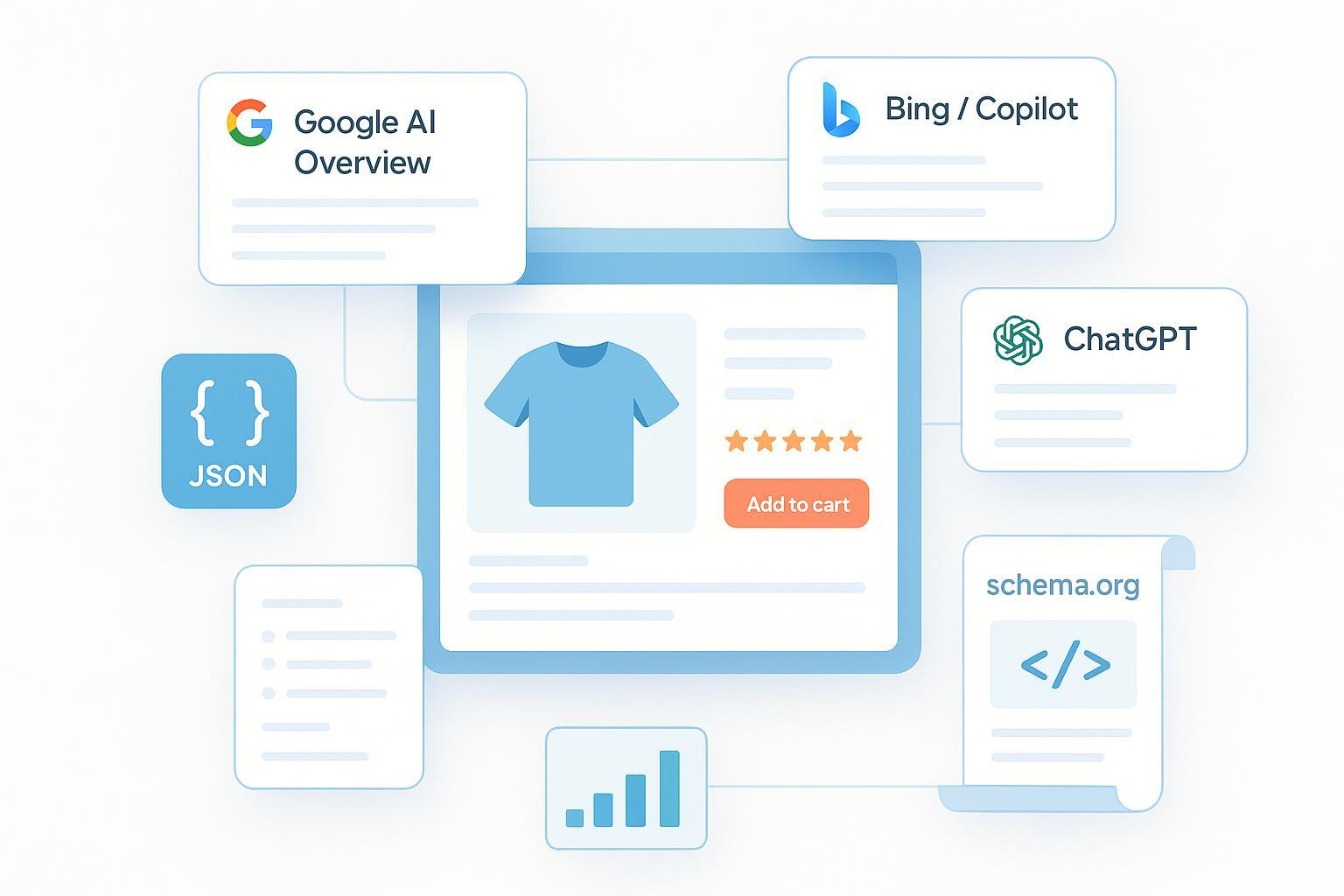
When someone asks an AI assistant for “the best waterproof hiking boots under $150,” do your products stand a real chance of being cited? That moment now shapes discovery, shortlists, and sales. The playbook has changed: product pages must be citable by machines, not just persuasive for humans.
This guide distills what works in 2024–2025 across Google AI Overviews, Bing/Copilot, ChatGPT, and Perplexity: clean, consistent structured data; feeds that match your pages; content that states facts clearly; and ongoing monitoring of how AIs describe and reference your products.
1) Make your product page citable by machines
Think of AI systems as fast, picky librarians. They surface products when facts are explicit, consistent, and easy to quote.
- State citable facts up front: price, availability, shipping time/costs, returns window, warranty, compatibility, and key specs. Use the same terms across headings, bullets, and spec tables so LLMs don’t guess.
- Add a compact FAQ that answers common intent: “Does it fit X?”, “What’s the return policy?”, “Is there a warranty?” Keep answers short, specific, and consistent with your policies.
- Keep performance tight: quick LCP, compressed imagery, and stable layout improve render reliability and eligibility for rich results.
- Ensure access for crawlers you want to benefit from. Confirm that Googlebot can fetch HTML and primary images. If you plan to participate in AI assistants’ ecosystems, avoid blocking relevant AI crawlers unless you have a policy reason to do so (see Section 5).
Why does this matter? Because AI answers often quote policy snippets and specs verbatim. If those aren’t machine‑clear, someone else’s page will be the source.
2) Structured data that AI systems trust (JSON‑LD)
Use JSON‑LD to make your page unambiguous. Google’s Product markup supports offers, ratings, reviews, shipping and return policies, and—increasingly important—variants.
- Product + Offer: Provide priceCurrency, price, availability, itemCondition, seller, and canonical URL. Keep values synced with the page and your feed.
- Reviews and ratings: Mark up individual reviews (author, datePublished, reviewBody, rating) or use AggregateRating. Host the reviews on your domain to be eligible for product rich results, per Google policy.
- Policies: Model shipping with OfferShippingDetails and returns with MerchantReturnPolicy so AIs can correctly summarize them.
- Variants: If you sell multiple colors/sizes/materials, implement ProductGroup with hasVariant so each variant has its own images, price, and availability.
According to Google’s documentation for Product structured data (updated 2024–2025), eligibility requires markup that matches visible content and uses supported properties. See Google’s guidance for Product and variants in the official docs: the Product structured data page and the announcement of Product variants support in 2024. For details, refer to Google’s own pages: the Product guide in Search Central and the current Product variants documentation.
Here’s a compact, copy‑ready variants example:
{
    "@context": "https://schema.org/",
    "@type": "ProductGroup",
    "name": "TrailPro Waterproof Hiking Boot",
    "brand": {"@type": "Brand", "name": "TrailPro"},
    "variesBy": ["size", "color"],
    "hasVariant": [
      {
        "@type": "Product",
        "name": "TrailPro Boot – 9 – Black",
        "sku": "TP-BOOT-9-BLK",
        "color": "Black",
        "size": "9",
        "image": "https://example.com/boots/trailpro-black-9.jpg",
        "offers": {
          "@type": "Offer",
          "url": "https://example.com/p/trailpro-boot-black-9",
          "priceCurrency": "USD",
          "price": "149.00",
          "availability": "https://schema.org/InStock",
          "itemCondition": "https://schema.org/NewCondition"
        }
      },
      {
        "@type": "Product",
        "name": "TrailPro Boot – 10 – Brown",
        "sku": "TP-BOOT-10-BRN",
        "color": "Brown",
        "size": "10",
        "image": "https://example.com/boots/trailpro-brown-10.jpg",
        "offers": {
          "@type": "Offer",
          "url": "https://example.com/p/trailpro-boot-brown-10",
          "priceCurrency": "USD",
          "price": "149.00",
          "availability": "https://schema.org/InStock",
          "itemCondition": "https://schema.org/NewCondition"
        }
      }
    ],
    "category": "Shoes > Outdoor > Hiking"
  }
Validation tips:
- Use Google’s Rich Results Test to validate Product and ProductGroup markup and verify that sample variants resolve to live URLs with matching content in the UI.
- Keep titles, prices, availability, and images consistent across UI, JSON‑LD, and product feeds. Mismatches are a top reason for lost eligibility and AI confusion.
For official guidance, see Google’s Product structured data documentation and the Product variants update in 2024 on Google’s Search Central blog, as well as the current Product variants specs in Search Central.
3) Product feeds that match your pages (Google Merchant Center)
AI systems lean on structured signals from both your pages and your feeds. For Google Merchant Center (GMC), align with the current Product data specification so Shopping and AI surfaces receive accurate, citable facts.
- Provide core fields: id, title, description, link, image_link, price, availability, brand—and identifiers (gtin, mpn) when applicable. Use identifier_exists for custom products without global IDs. See Google’s official Product data specification in Merchant Center Help for the latest requirements.
- Group variants with item_group_id and send variant‑specific images, price, and availability for each child item.
- Keep review data flowing if you participate in the Product Ratings program. Eligibility includes minimum review volumes and ongoing monthly updates; matching relies on consistent GTINs or brand+mpn across your catalog.
Common disapprovals and quick fixes:
- Invalid or missing GTIN/MPN: Correct identifiers or mark identifier_exists=false for custom products.
- Price/availability mismatch: Sync feeds in near‑real time and ensure the product page shows the same variant and price as your feed.
- Variant grouping errors: Only group items that differ by supported attributes (color, size, material, pattern, etc.), and use variant‑specific images.
Parity checklist you can use during QA:
| Area | What to check | Tooling to use |
|---|---|---|
| Product IDs & identifiers | GTIN/MPN present where applicable; identifier_exists set correctly; consistent across product and review feeds | Merchant Center Diagnostics; feed rules |
| Price & availability | Match between UI, JSON‑LD, and feed at the variant level | Live spot checks; schema validators; feed fetch logs |
| Variant images | Each variant’s image matches color/size shown | On-page gallery; feed image_link; structured data images |
| Policies (shipping/returns) | OfferShippingDetails & MerchantReturnPolicy reflect live policy text | Rich Results Test; page copy audit |
| Reviews mapping | Reviews hosted on-site, schema valid, identifiers align with ratings feed | Merchant Center Product Ratings status |
Authoritative specs: consult Google’s Merchant Center Product data specification for fields and enforcement, and the Product Ratings eligibility guide for review program rules.
4) Controls and guardrails for AI features
You can influence how much of your text appears in AI features without blocking discovery altogether.
- Preview controls: Robots meta tags like nosnippet, data-nosnippet, and max-snippet can limit which text blocks appear in AI Overviews and other previews. Use them surgically on sensitive sections rather than sitewide. Google documents these in its robots meta tag specifications and the “AI features and your website” page in Search Central.
- Bot access trade‑offs: OpenAI’s GPTBot respects robots.txt; you can opt out by disallowing it in robots.txt if needed (see OpenAI’s GPTBot documentation). Perplexity states it respects robots.txt as well; if you must block it, use the PerplexityBot user‑agent and consider WAF rules. Independent infrastructure analyses, such as a Cloudflare blog on crawler behavior, suggest layering controls if your policy requires it.
Blocking AI bots reduces your chance of being referenced by those systems. If AI citations and recommendations are strategic to your brand, prefer allowing access while keeping your data accurate and current.
5) Monitoring what AI says and shows about your products
Disclosure: Geneo is our product.
Citations in AI answers fluctuate. You need ongoing visibility into where you’re named, what’s being said, and whether those answers are accurate and helpful.
- Visibility & share of voice: Track which of your product pages get cited by Google AI Overviews, Bing/Copilot, ChatGPT, and Perplexity, and how often.
- Accuracy & freshness: Watch for schema validation issues, feed disapprovals, review freshness, and time‑to‑sync for price and availability.
- Sentiment & narrative: Extract common pros/cons and overall polarity from AI answers to prioritize fixes or content updates.
- Business impact: Attribute sessions and conversions influenced by AI‑sourced journeys; test the impact of schema and feed changes.
Example workflow: Monitor priority product queries weekly, log citations and sentiment by engine, fix mismatches (page vs. JSON‑LD vs. feed), and re‑crawl to confirm changes. Iterate on FAQs and policy clarity where AIs show confusion. For a practical KPI set (visibility, freshness, sentiment, revenue influence), align with frameworks that encompass AI surfaces and rich results.
If you’re building this stack, Geneo centralizes many of these steps: cross‑engine AI citation tracking, sentiment analysis of AI answers, and feed/schema change monitoring over time, with multi‑brand support. Learn more on the Geneo site: see our overview at Geneo, our glossary on AI SEO acronyms explained, and browse implementation posts on the Geneo Blog.
6) Platform quick notes (Shopify, WooCommerce, Magento)
- Shopify: Many themes/apps inject Product schema, but double‑check for duplicates or conflicting markup when using review or bundle apps. Validate with Rich Results Test, and ensure your Google channel or feed app maps GTIN/MPN correctly and supports item_group_id for variants.
- WooCommerce: Avoid multiple schema plugins generating overlapping Product markup. Ensure variable products expose variant‑level data in both JSON‑LD and your feed. Keep image dimensions and filenames variant‑specific to reduce confusion.
- Magento/Adobe Commerce: Templates often include baseline schema; extend for ProductGroup variants and policy markup. For feeds, consider API‑based syncs to keep price/availability parity tight during promotions.
Across platforms, the principle is the same: one source of truth, three synced surfaces—UI, JSON‑LD, and feeds.
7) A 30‑day action plan
Week 1: Audit crawlability (robots, sitemaps), Core Web Vitals, and existing JSON‑LD. Inventory identifiers (GTIN/MPN), review hosting, and policy clarity on top product pages.
Week 2: Implement or refine Product + Offer + policy markup; add a compact FAQ; introduce ProductGroup for variants on 3–5 SKUs. Validate in Rich Results Test.
Week 3: Fix feed disapprovals, enforce item_group_id and identifier consistency, and enable/update Product Ratings feeds. Establish near‑real‑time price/availability syncs.
Week 4: Stand up monitoring for AI citations, sentiment, and feed/schema health. Run a controlled test (A/B or holdout) on schema/feed improvements and log impacts on visibility and conversions.
Ready to operationalize this? Map your site’s AI‑readiness, set up monitoring, and iterate weekly. If you want a unified view across AI engines with sentiment analysis and history, explore what we’re building at Geneo.
References and further reading
- Google developers — Product structured data (live documentation): Product structured data
- Google developers — Product variants documentation (current spec): Product variants documentation
- Google Merchant Center Help — Product data specification: Product data specification
- Google developers — Robots meta tag specs: Robots meta tag specifications
- Google developers — AI features and your website: AI features and your website
- OpenAI — GPTBot documentation: GPTBot docs